12 workflows
Car video use cases
Twelve focused workflows for turning a car photo or a prompt into a short cinematic clip — from a dealer listing to a paint preview.
Every page below targets one job and one search query. Pick the workflow that matches the shot you need, then start from a tested prompt.
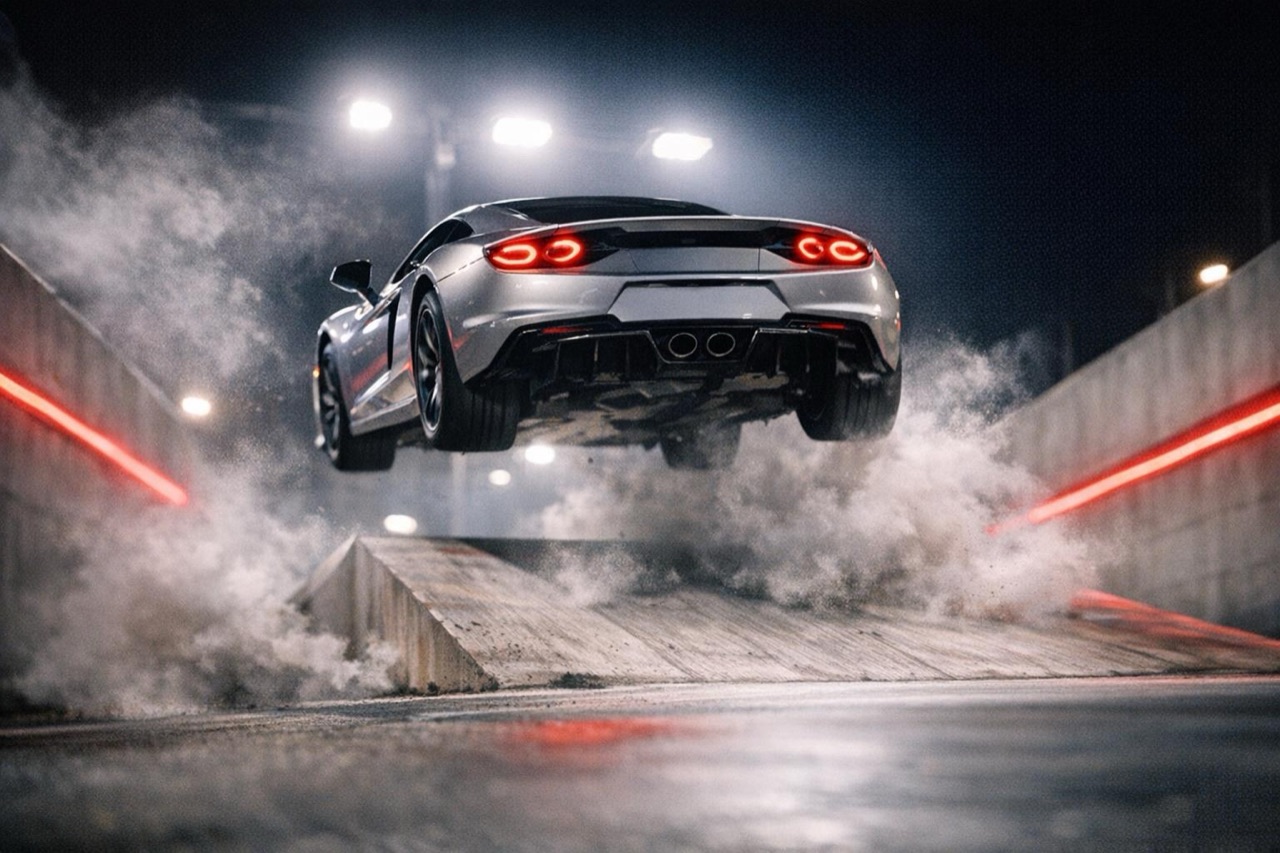
AI Car Video Generator — Photo or Text to Video
Turn one car photo or a text prompt into a cinematic 5–12 second AI video. Pick a stunt scene, export 9:16 or 16:9, and download an MP4 with no watermark.
Open workflow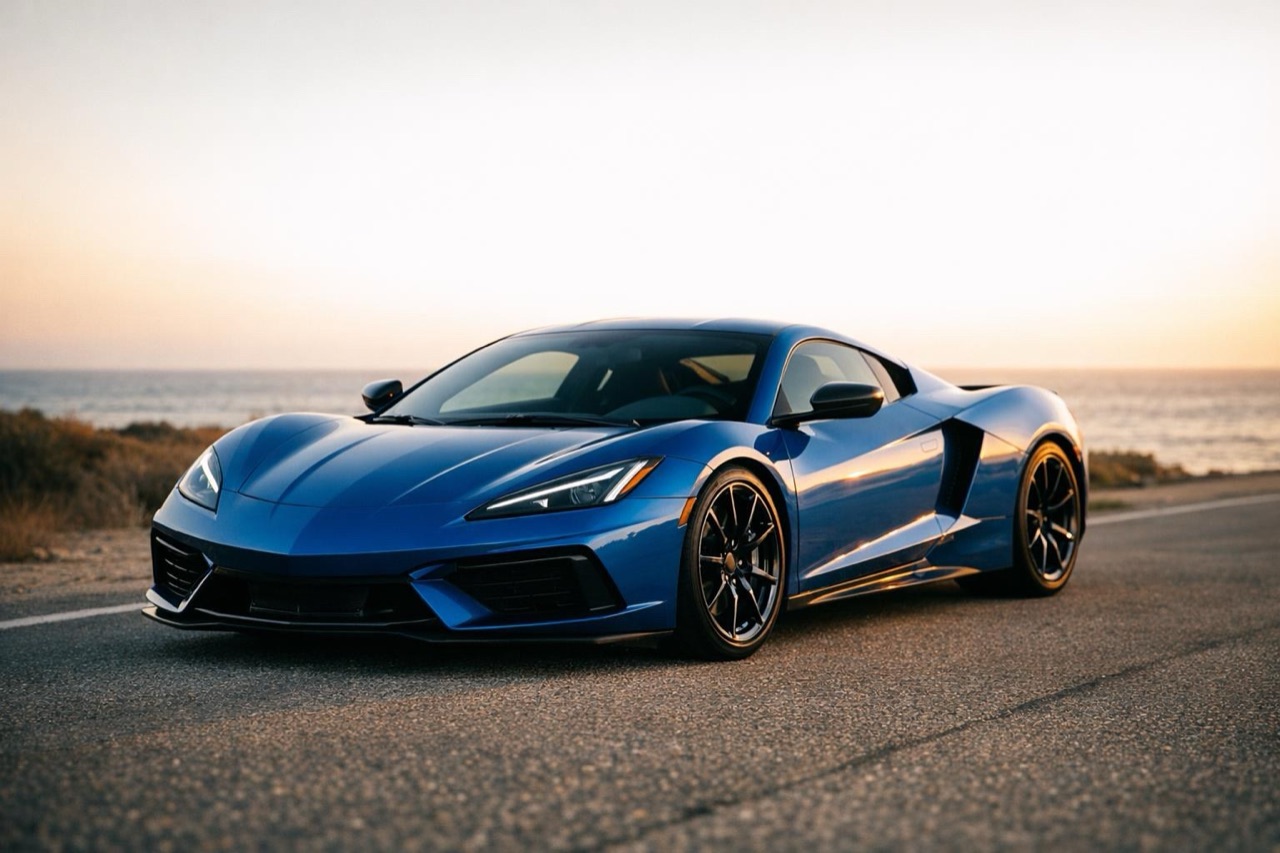
Photo to Car Video — Turn One Picture Into Motion
Upload one clear car photo and get a 5–12 second cinematic clip. Keep the body shape, paint and wheels, then choose a ramp, night or traffic scene.
Open workflow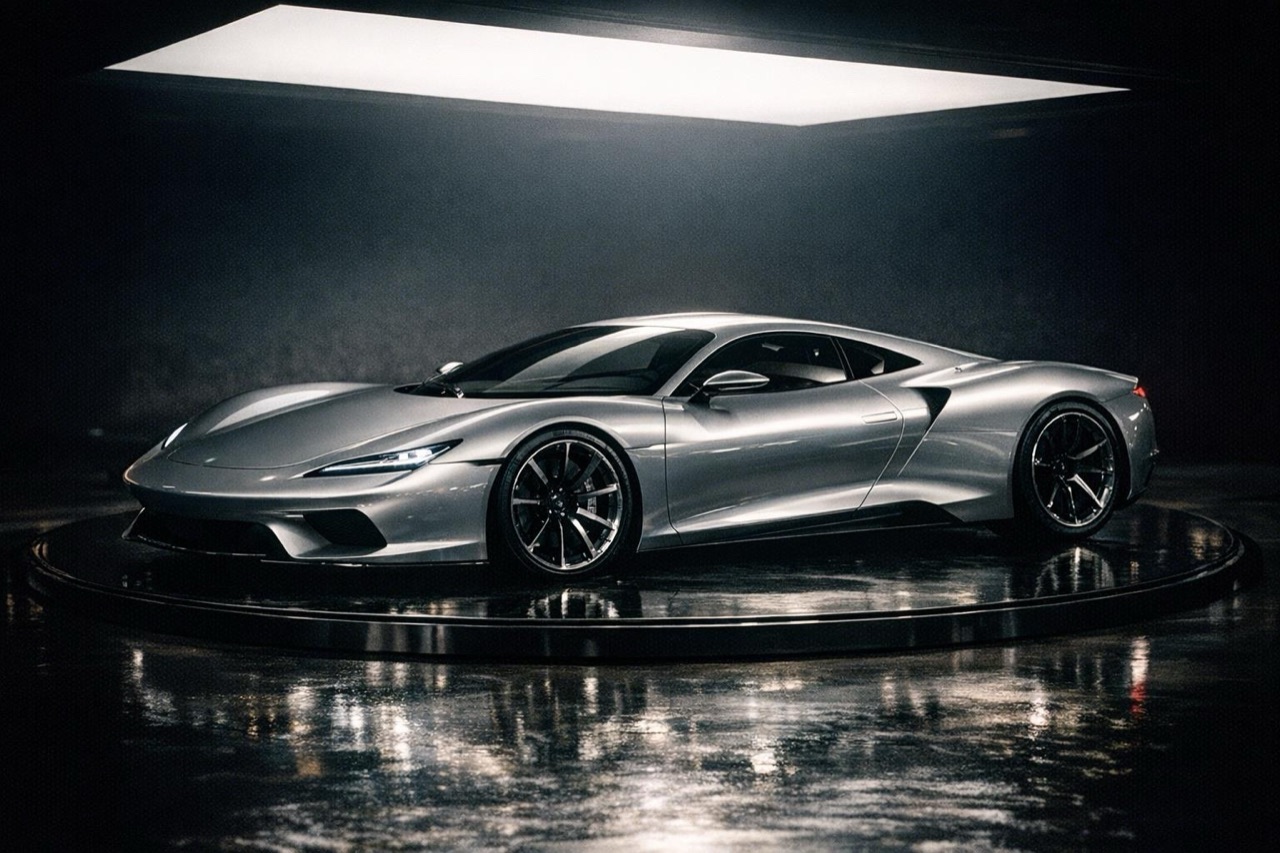
Text to Car Video — Describe the Shot, Get the Clip
Describe a car, a scene and a camera move in plain English. The studio renders a 5–12 second clip in 720p or 1080p, ready for Reels, Shorts and TikTok.
Open workflow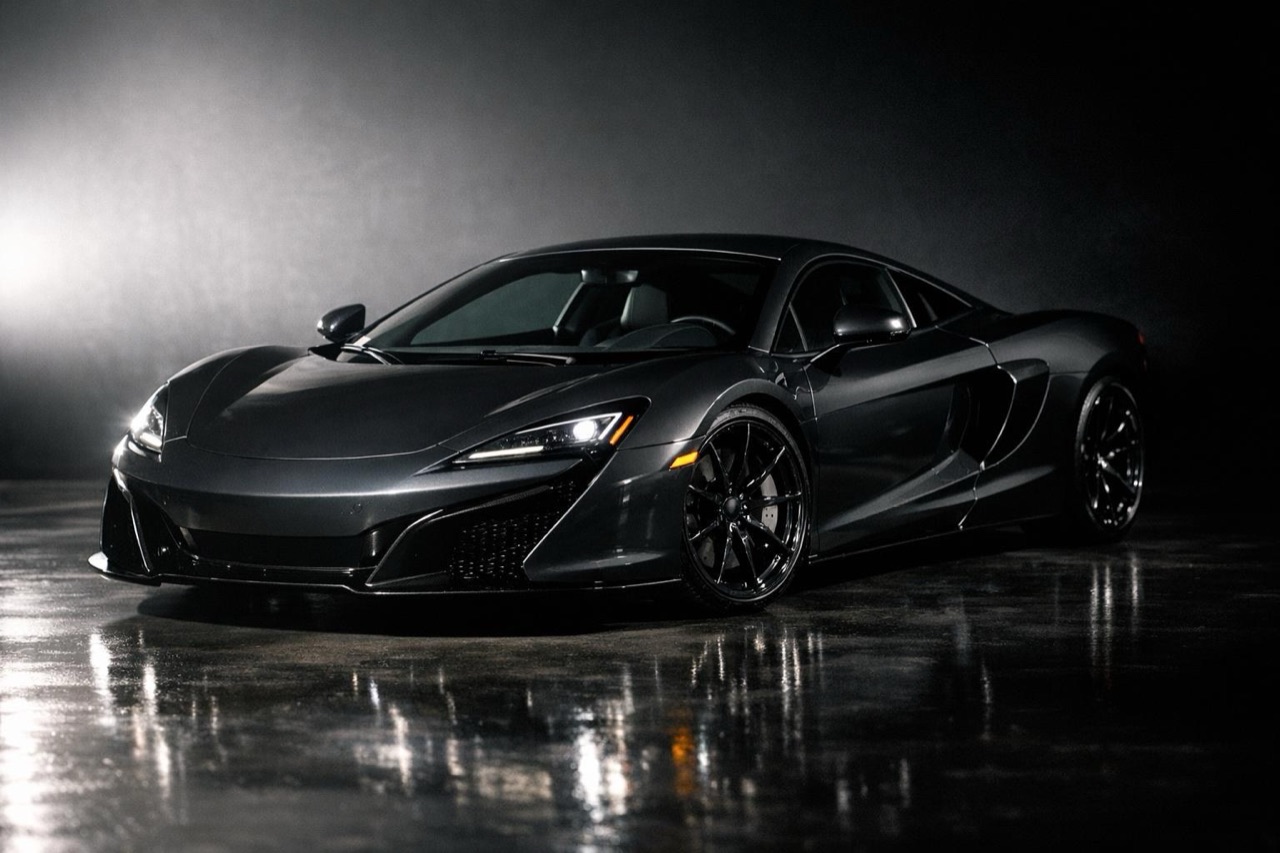
AI Car Commercial Generator — Studio Ad Clips
Create a cinematic car commercial from one photo or a prompt. Storyboard-ready 5–12 second shots in 9:16, 16:9 and 1:1, with no watermark and full MP4 export.
Open workflow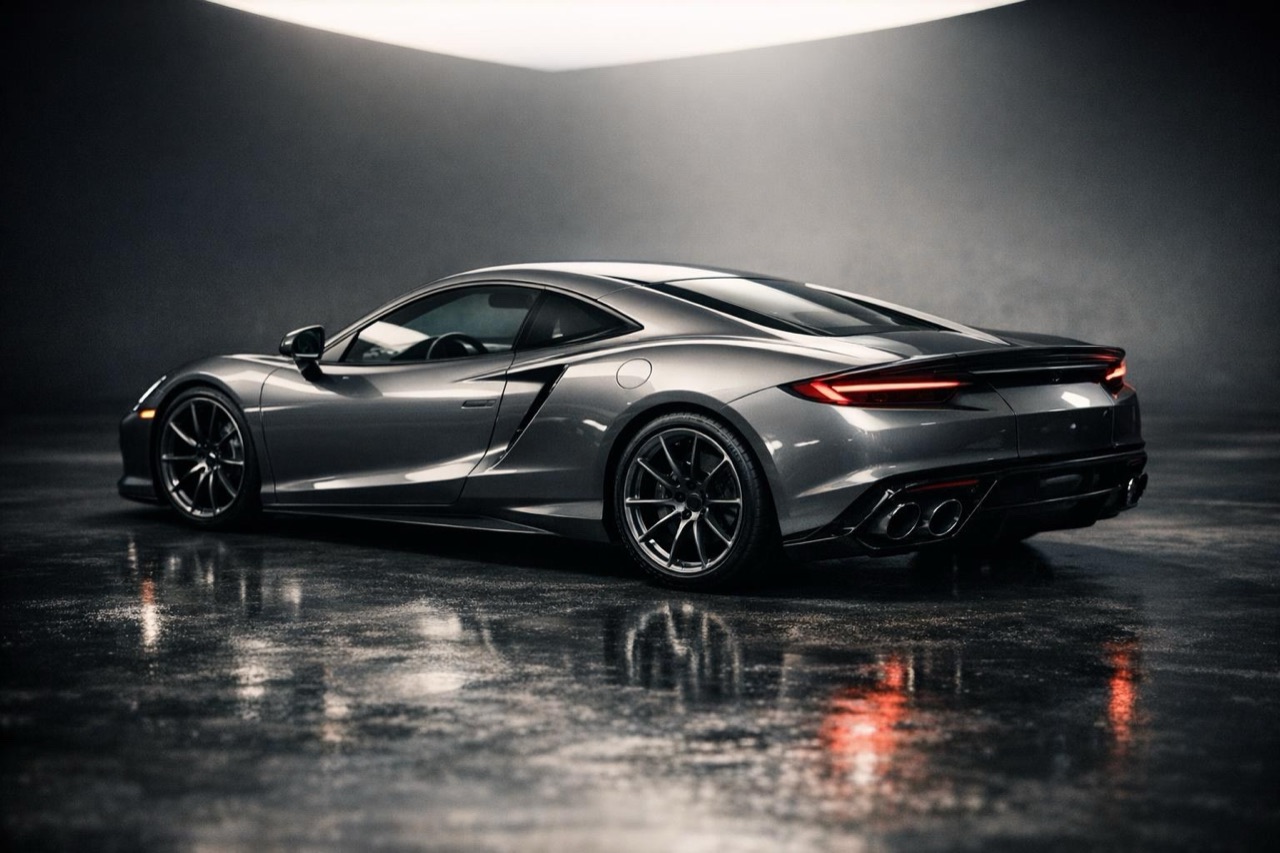
Car Showcase Video — Cinematic AI Clips for Listings
Turn a single car photo into a polished showcase clip with a controlled camera move, clean light and a scene that keeps the car's real shape and colour.
Open workflow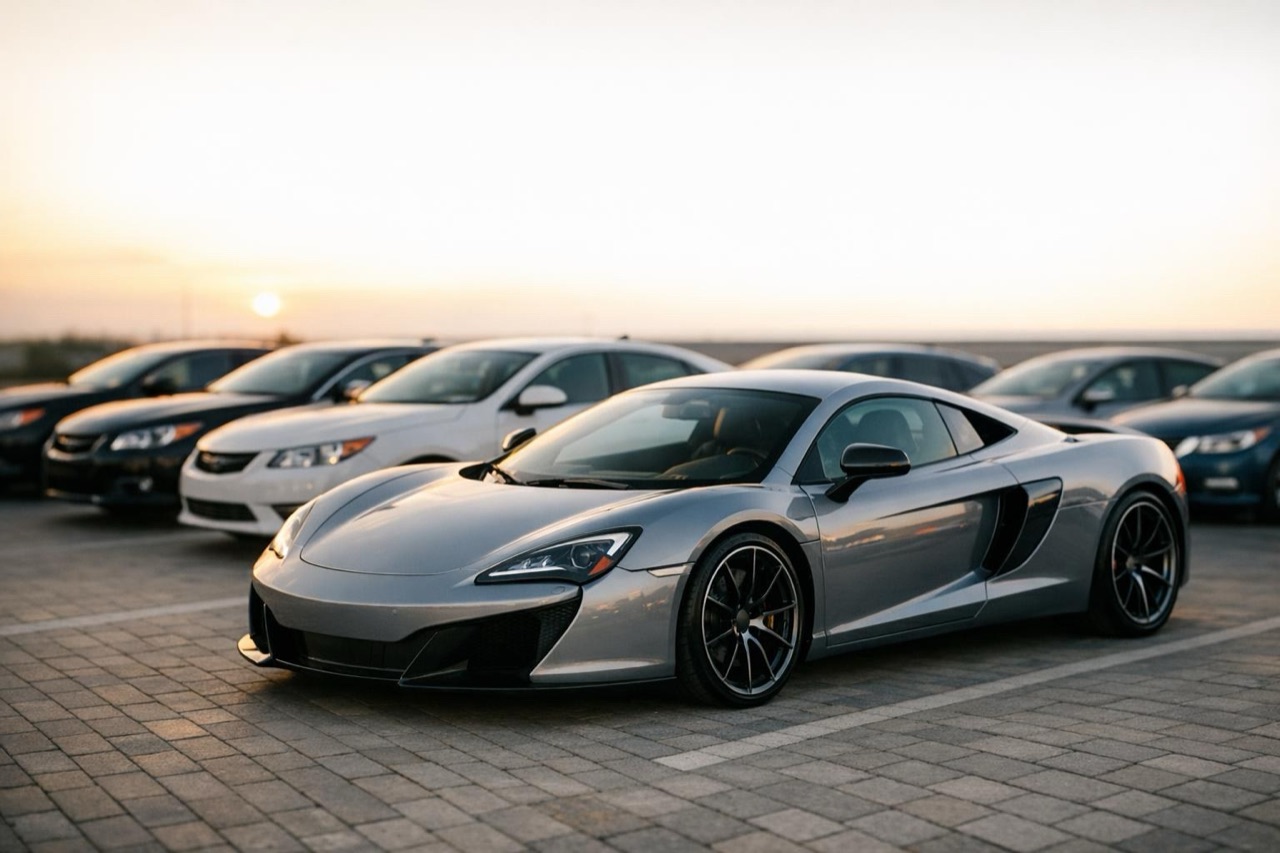
Car Dealership Video Generator — Listing Clips
Make a short, consistent video for a dealership listing from one photo. Choose a scene and camera move, export vertical or landscape, and reuse the same look.
Open workflow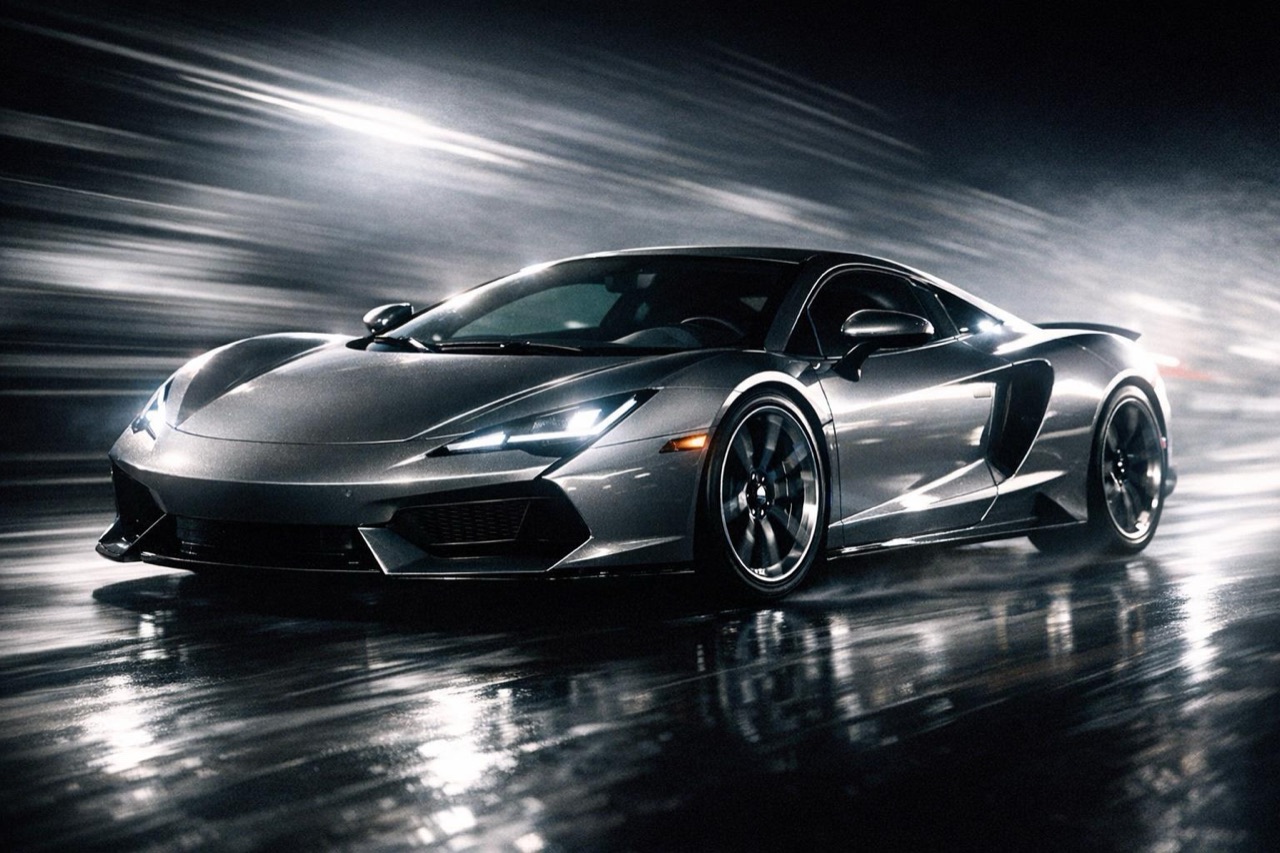
AI Car Ad Generator — Scroll-Stopping Car Clips
Build a paid-social car ad from one photo or a prompt. Vertical 9:16, 5–12 seconds, no watermark, and a prompt you can reuse across every vehicle.
Open workflow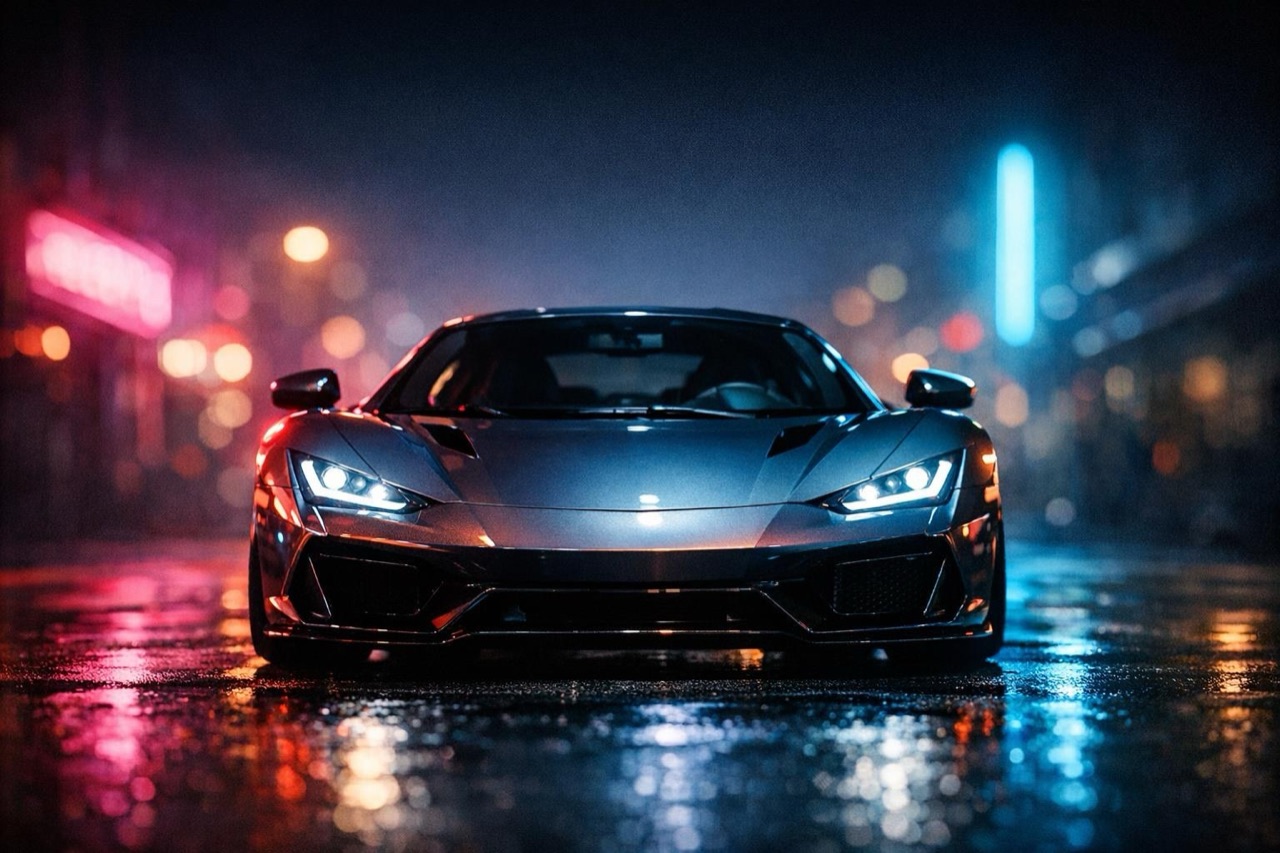
Car Video for TikTok, Reels and Shorts — AI Car Clips
Make a vertical car video for TikTok, Reels and Shorts from one photo. 9:16 by default, 5–12 seconds, MP4 export and no watermark on paid renders.
Open workflow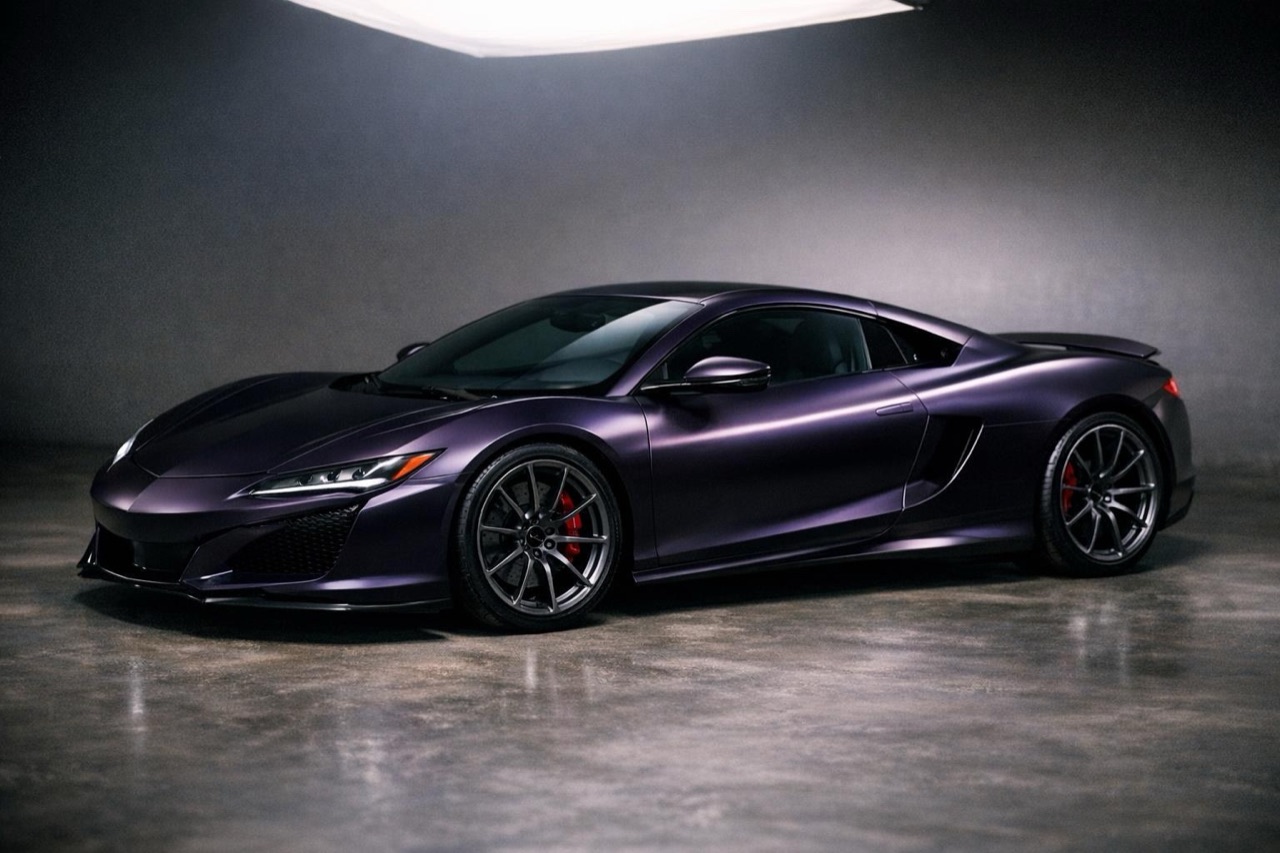
AI Car Color Changer — Preview a New Paint Job
See a car in a new colour before you commit. Upload a photo, pick a paint or wrap tone, and render a short clip that keeps the body shape and wheels.
Open workflow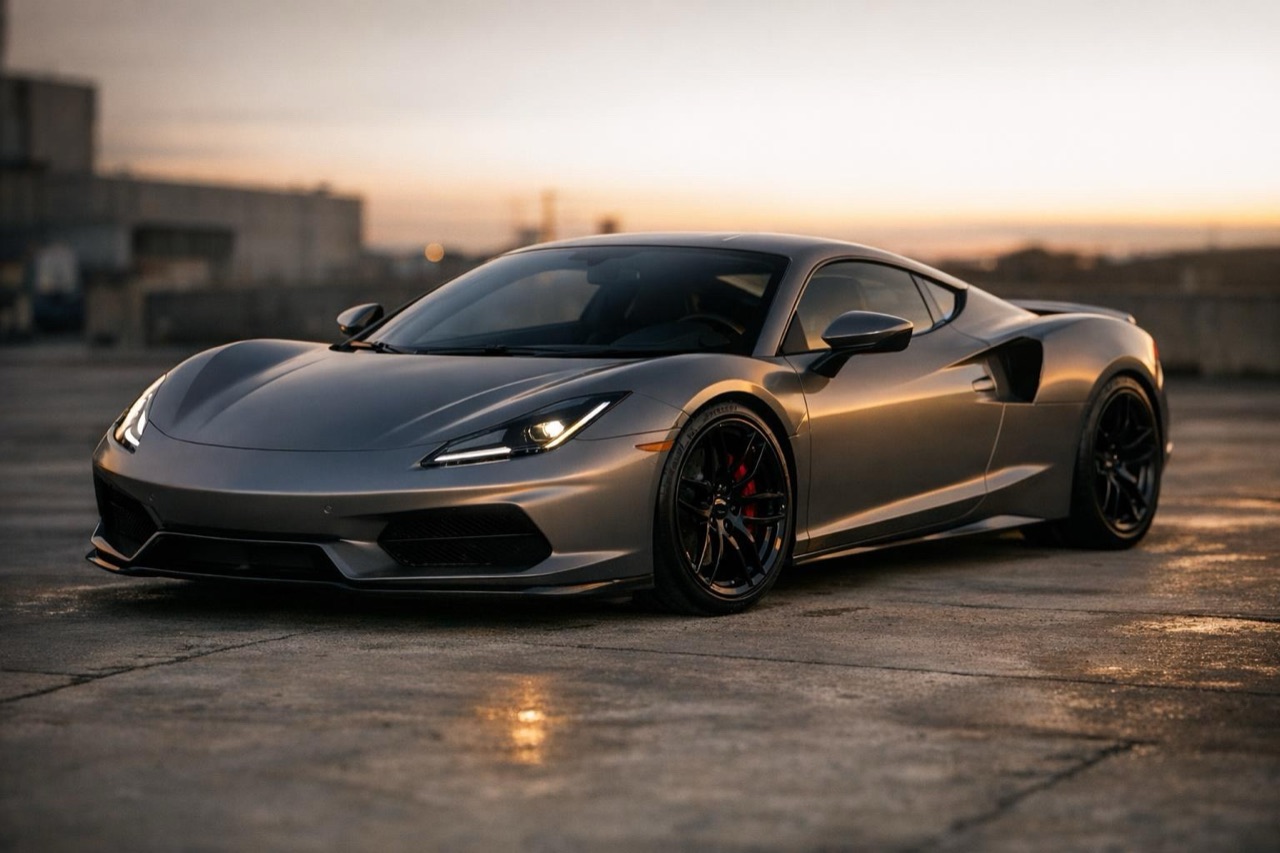
Car Wrap Visualizer — Preview a Wrap in Motion
Upload a car photo and preview a gloss, satin or matte wrap in a short AI video. Keep the body lines and wheels, then share the clip with your wrap shop.
Open workflow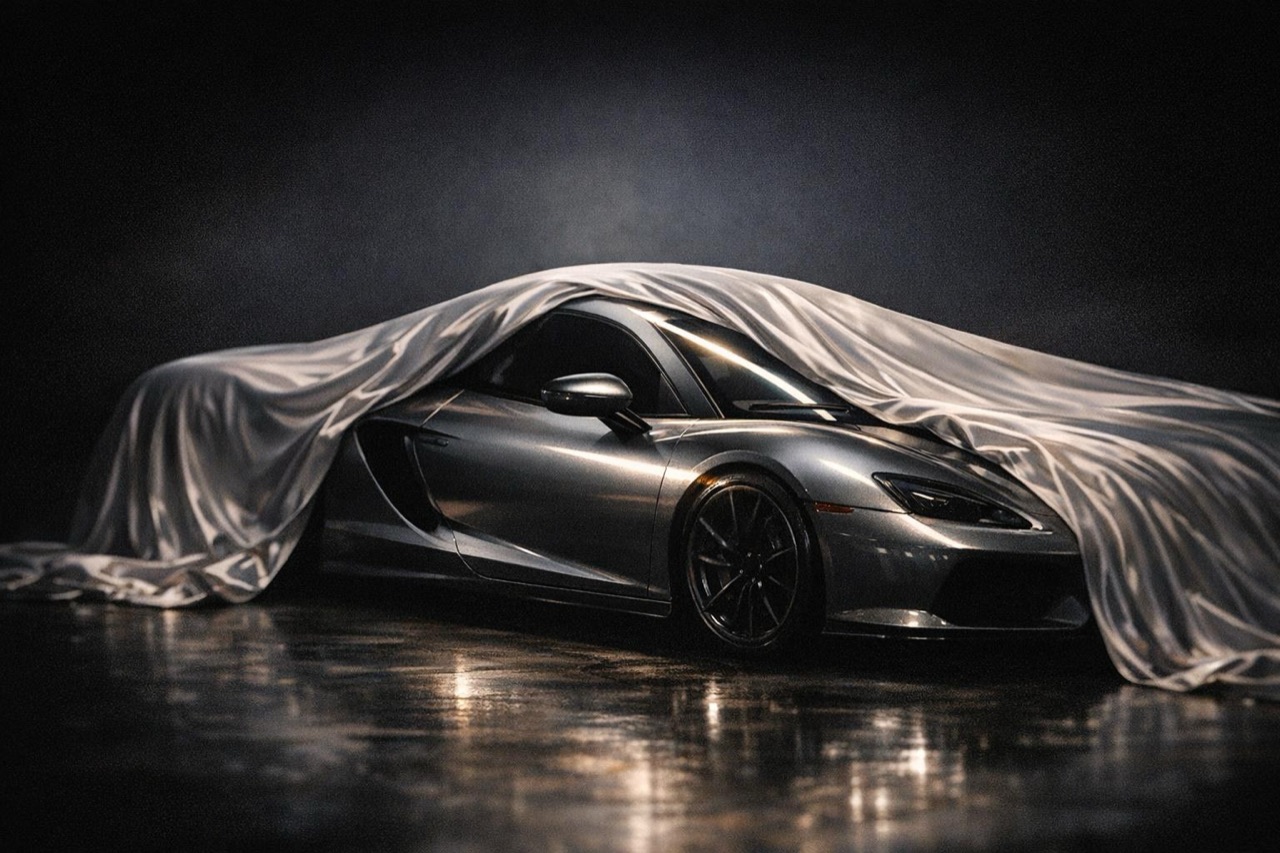
Car Reveal Video — AI Reveal Shot From One Photo
Create a reveal-style clip for a new car, a build or a listing. One photo, a controlled camera move, 5–12 seconds, vertical or landscape, no watermark.
Open workflow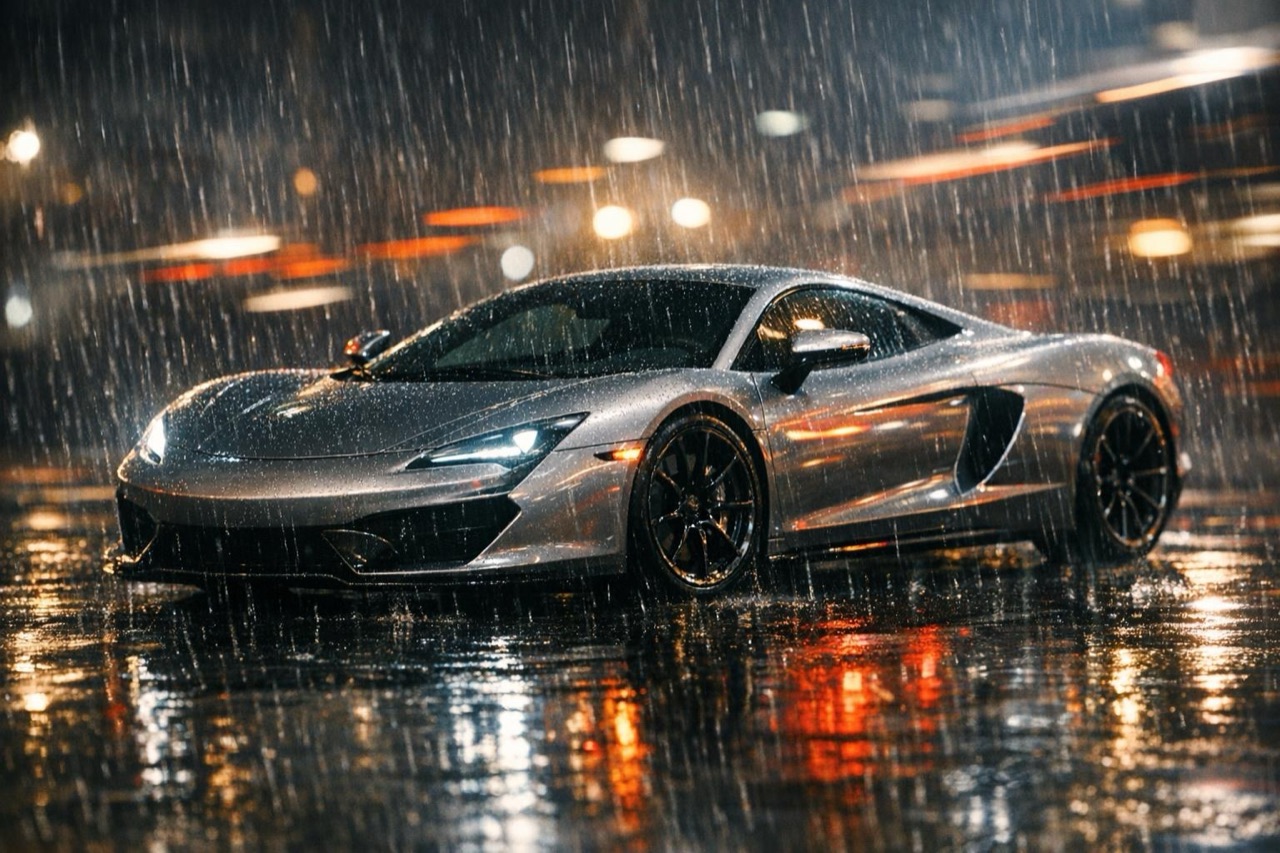
AI Car Animation — Bring a Still Car Photo to Life
Animate a still car photo into a short cinematic shot. Choose a ramp, night or traffic scene, keep the real body shape, and export an MP4 in minutes.
Open workflowTurn your photo into a clip
Start with the preset on this page, or write your own shot. Credits are shown before you generate, and failed renders are refunded.