Showcase · Portfolio · For sale

Car Showcase Video

A showcase video is the quiet cousin of the stunt clip. Nothing explodes. The car sits in good light, the camera moves once, and the shape does the talking. That restraint is exactly what a portfolio, a for-sale listing or a detailer's feed needs.

Upload one photo, choose a showcase scene, and the studio renders a short clip that keeps the car recognisable while replacing the background and the light.

Clips on this page are AI-generated previews. They are fictional and not a record of a real event.

Updated 20 October 2026

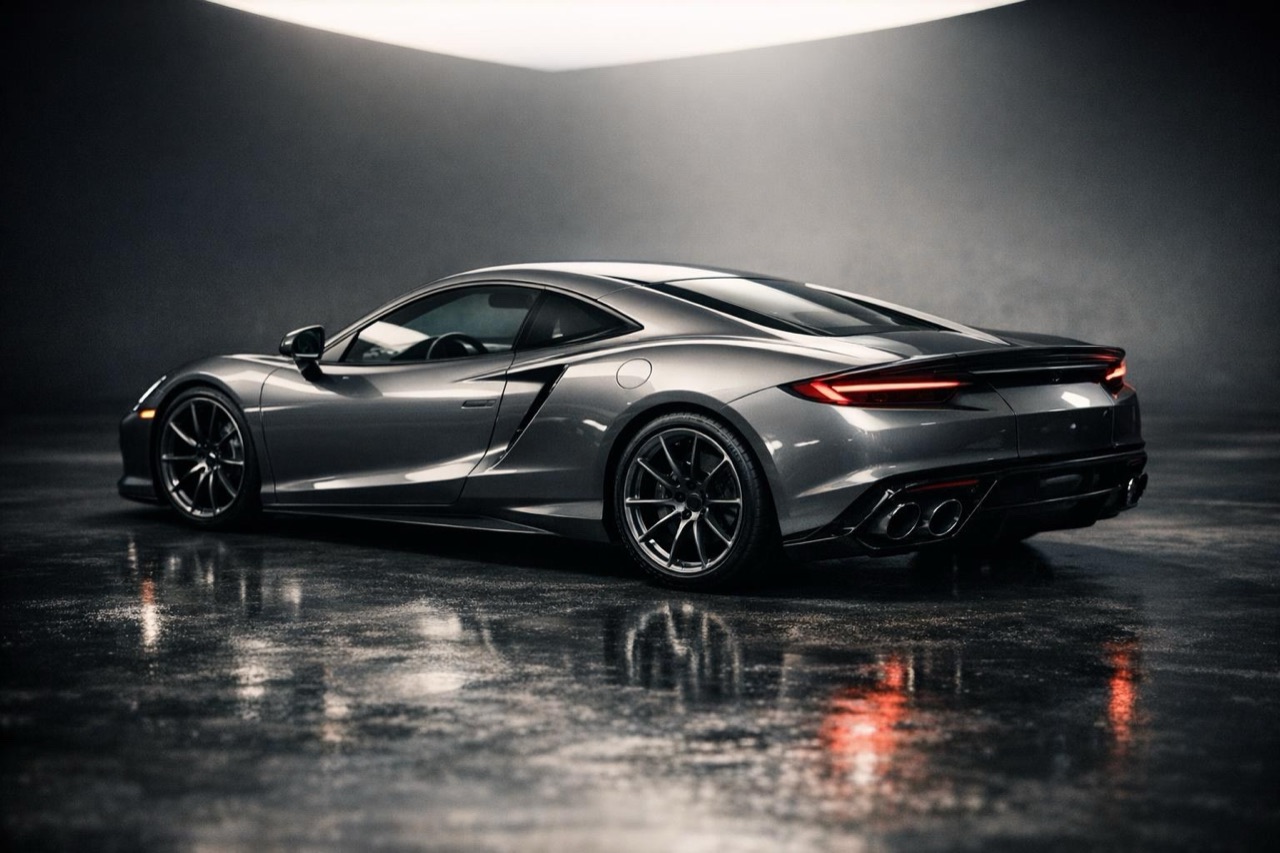
A polished grand tourer on a studio floor with soft overhead light, car showcase video still
Length
5–12 seconds
Resolution
480p · 720p · 1080p
Aspect ratio
9:16 · 16:9 · 1:1
Watermark
None on paid renders
Model
Seedance 2.0
Moderation
SeeAPI, fail-closed

Clean, not chaotic

One camera move and one light story. The result looks like a deliberate product shot rather than a random montage.

Paint and body first

The prompt preserves the paint colour, body lines and wheels, so the clip still works as a record of the actual car.

Made for listings

9:16 for social, 16:9 for a dealer page, 1:1 for a marketplace. The same render can be exported in the ratio each channel needs.

How it works

  1. 1

    Start with a sharp hero photo

    A three-quarter view with the whole car in frame. If the car is dirty or the background is cluttered, clean the photo first; the model will preserve what it sees.

  2. 2

    Pick a showcase scene

    Studio, coastal road or city street. Match the scene to the car: a classic deserves warm light, a modern coupe suits a dark studio or neon.

  3. 3

    Keep the camera slow

    A slow orbit or push-in gives the viewer time to read the body lines. Fast moves hide the details you are trying to show.

  4. 4

    Export for each channel

    Render vertical for social and landscape for the listing page, or render once and crop carefully. Keep the highest resolution for the listing.

Start from a tested prompt

Each prompt is complete: subject, scene, camera and what must not change. Copy it or open the studio with it pre-filled.

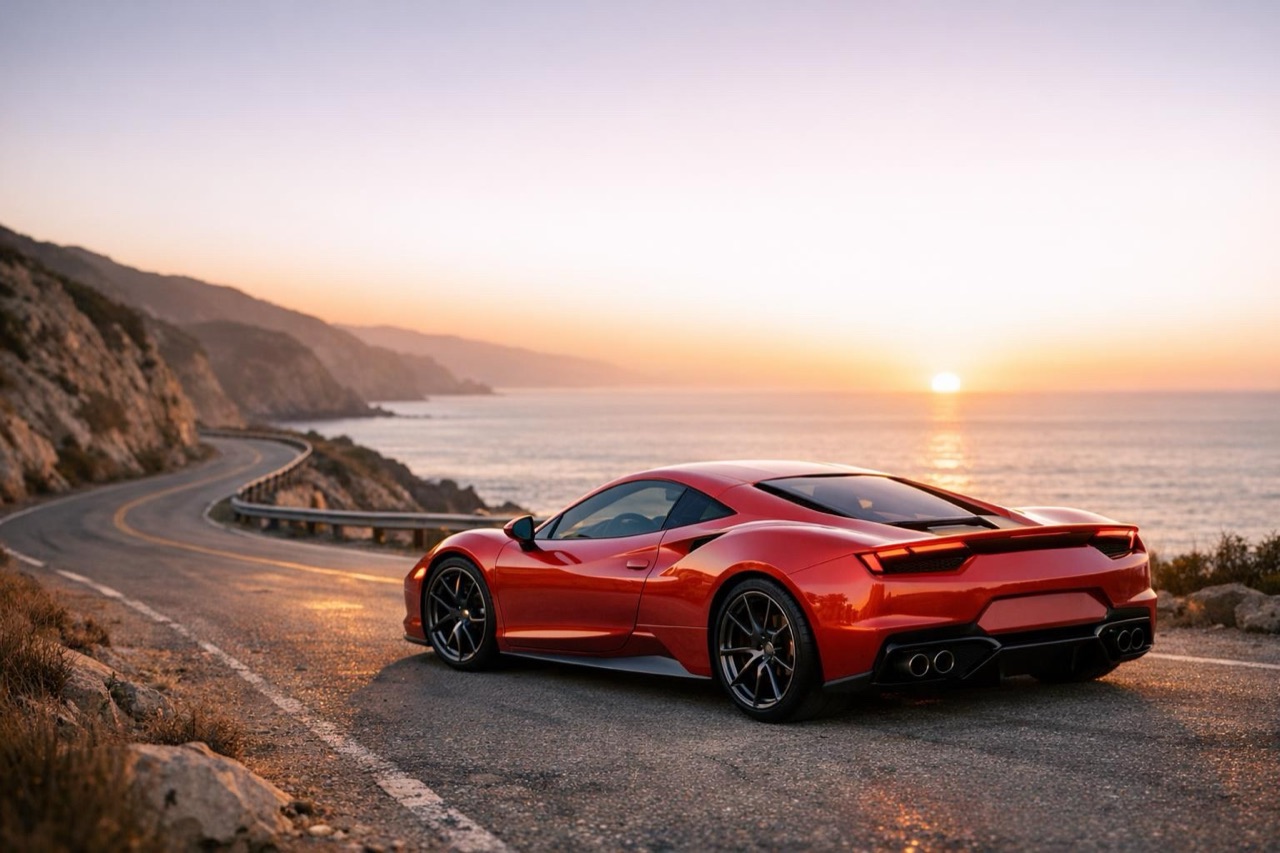
A sports car on a coastal road at sunset, cinematic showcase video frame

Studio Orbit

A dark studio, a polished floor, a slow orbit.

Prompt (English)

Use the car in the uploaded photo as the single hero. A dark photographic studio with a polished floor and a large soft overhead light. The camera orbits slowly around the front three-quarter view, keeping the whole car in frame. Keep the body shape, paint colour and wheels exactly as photographed. No people, no text, no watermark. Landscape 16:9.

Use in studio

Coastal Light

A cliff road at sunset, a gentle tracking shot.

Prompt (English)

Use the car in the uploaded photo as the single hero. An empty coastal road at sunset, warm low light, a clean horizon and no buildings. The camera tracks gently alongside the car at a constant distance. Keep the body shape, paint colour and wheels exactly as photographed. No other vehicles, no people, no text, no watermark. Landscape 16:9.

Use in studio

City Showcase

A quiet city street in the morning, a slow push-in.

Prompt (English)

Use the car in the uploaded photo as the single hero. A quiet city street in the early morning, soft overcast light, clean pavement and no crowds. The camera performs a slow push-in from the front three-quarter angle. Keep the body shape, paint colour and wheels exactly as photographed. No people, no text, no watermark. Landscape 16:9.

Use in studio

The showcase look, defined

A good showcase clip has three properties: the car is the brightest object in the frame, the background is simpler than the car, and the camera move is slower than you think. Those choices make the paint read and the shape legible on a phone.

That is why a studio scene is so reliable. A polished floor, one overhead light and a dark background remove every distraction. A coastal road works when the light is low and the horizon is clean.

Using a showcase clip in a listing

A dealer or private seller can put the clip at the top of a listing page and keep the still photos below for detail. The clip does the job a thumbnail cannot: it shows the car in motion and gives the eye a path around the body.

Keep the clip honest. If the car has a scratch, a mismatched wheel or a modified bumper, do not prompt those details away. A showcase video is a presentation, not a repair.

Showcase vs stunt: which to render

Use a showcase for a car that is for sale, a build that is finished, or a portfolio entry where the craft is the point. Use a stunt clip when the goal is attention and the car is a character rather than a product.

Both use the same studio and the same credit system. The difference is the prompt: a showcase prompt protects the car and restrains the motion; a stunt prompt adds a ramp, a jump and a landing.

Questions people ask

What is a car showcase video?

A short, controlled clip that presents a car in good light with a simple camera move. It is the opposite of a stunt clip: the goal is to show the car clearly, not to create a dramatic event.

Can I use it for a dealer listing?

Yes. Render a vertical clip for social and a landscape clip for the listing page. Keep the original still photos below the video for detail shots.

Will the background change?

Yes. The photo supplies the car; the prompt supplies the scene. That is why a clean source photo matters more than a beautiful location.

How do I keep the paint colour accurate?

Name the colour in the prompt and ask for the paint to remain exactly as photographed. Avoid heavy colour grading in the source photo, because the model will preserve the grade as if it were the real paint.

What ratio should I choose?

9:16 for TikTok, Reels and Shorts, 16:9 for a website or YouTube, 1:1 for marketplace and feed posts. Render the ratio you will actually publish.

Can I render a showcase without a photo?

Yes, with a text prompt. A photo is still better when the clip must represent a specific car, because it carries the real proportions, wheels and paint.

Turn your photo into a clip

Start with the preset on this page, or write your own shot. Credits are shown before you generate, and failed renders are refunded.