Reveal · Launch · First look

Car Reveal Video

A reveal is a promise: you show a little, then a little more, and the last frame gives the viewer the whole car. It works for a new purchase, a finished build, a restomod or a listing that needs a stronger first impression than a photo gallery.

One photo is enough. Choose a reveal scene, keep the camera move deliberate, and the studio renders a short clip that ends on a clean hero frame.

Clips on this page are AI-generated previews. They are fictional and not a record of a real event.

Updated 20 October 2026

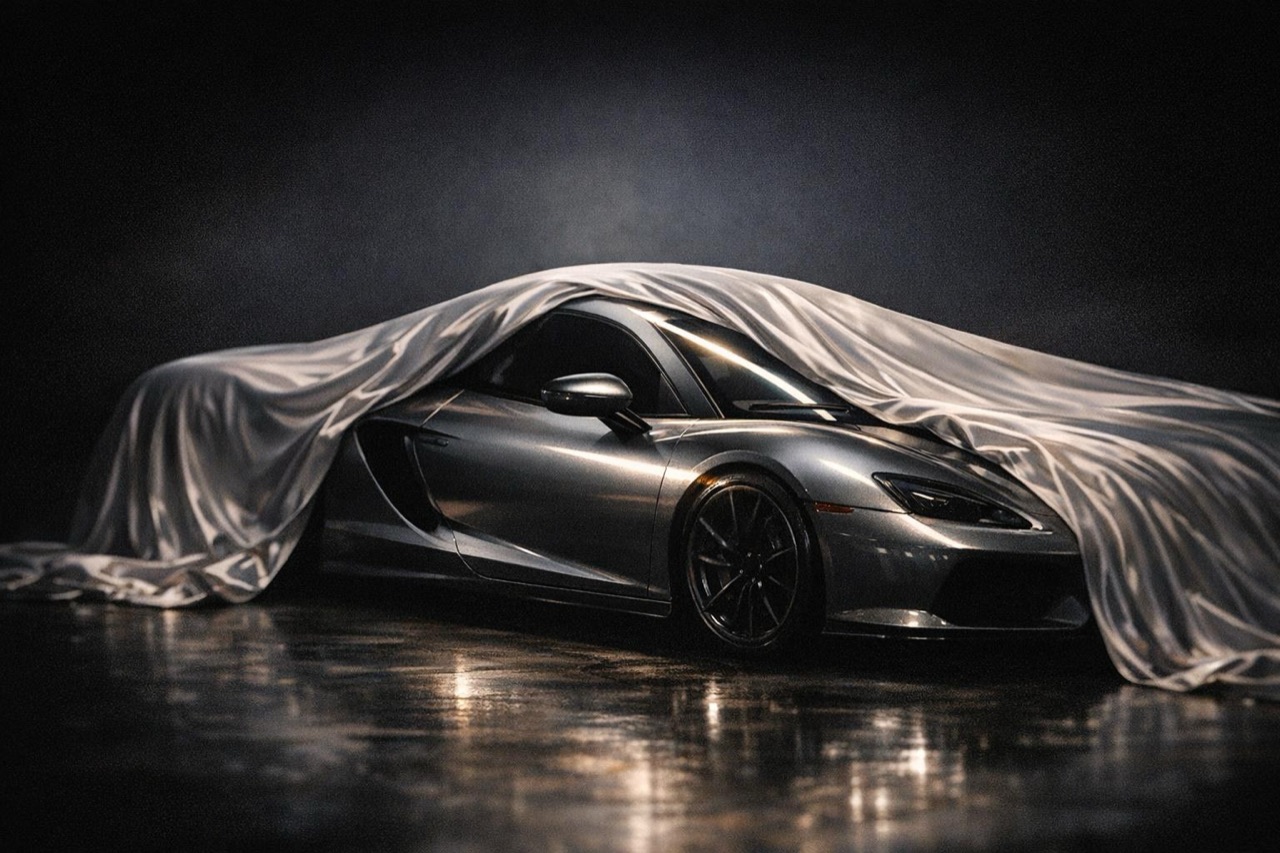
A car revealed under a silk cover in a dark studio, AI car reveal video still
Length
5–12 seconds
Resolution
480p · 720p · 1080p
Aspect ratio
9:16 · 16:9 · 1:1
Watermark
None on paid renders
Model
Seedance 2.0
Moderation
SeeAPI, fail-closed

A beginning and an end

The clip is built around one reveal beat: cover, shadow or headlight, then the full car. That structure is what makes it feel intentional.

The last frame matters

End on a clean three-quarter view with the car fully visible. That frame becomes the thumbnail, the listing image and the share card.

Works for any car

New, old, stock or modified. The reveal is about the moment, not the price of the vehicle.

How it works

  1. 1

    Choose the reveal device

    A cover pulling back, headlights snapping on, or the car emerging from shadow. Pick one. Two reveals in five seconds cancel each other out.

  2. 2

    Keep the car hidden at the start

    The first frame should show a shape, a light or a detail, not the whole car. The reveal only works if there is something left to reveal.

  3. 3

    End on a hero frame

    The final second should be a clean, well-lit three-quarter view. That is the frame people will remember and screenshot.

  4. 4

    Render a vertical and a landscape cut

    Vertical for social, landscape for the listing or the launch page. The same prompt works in both ratios.

Start from a tested prompt

Each prompt is complete: subject, scene, camera and what must not change. Copy it or open the studio with it pre-filled.

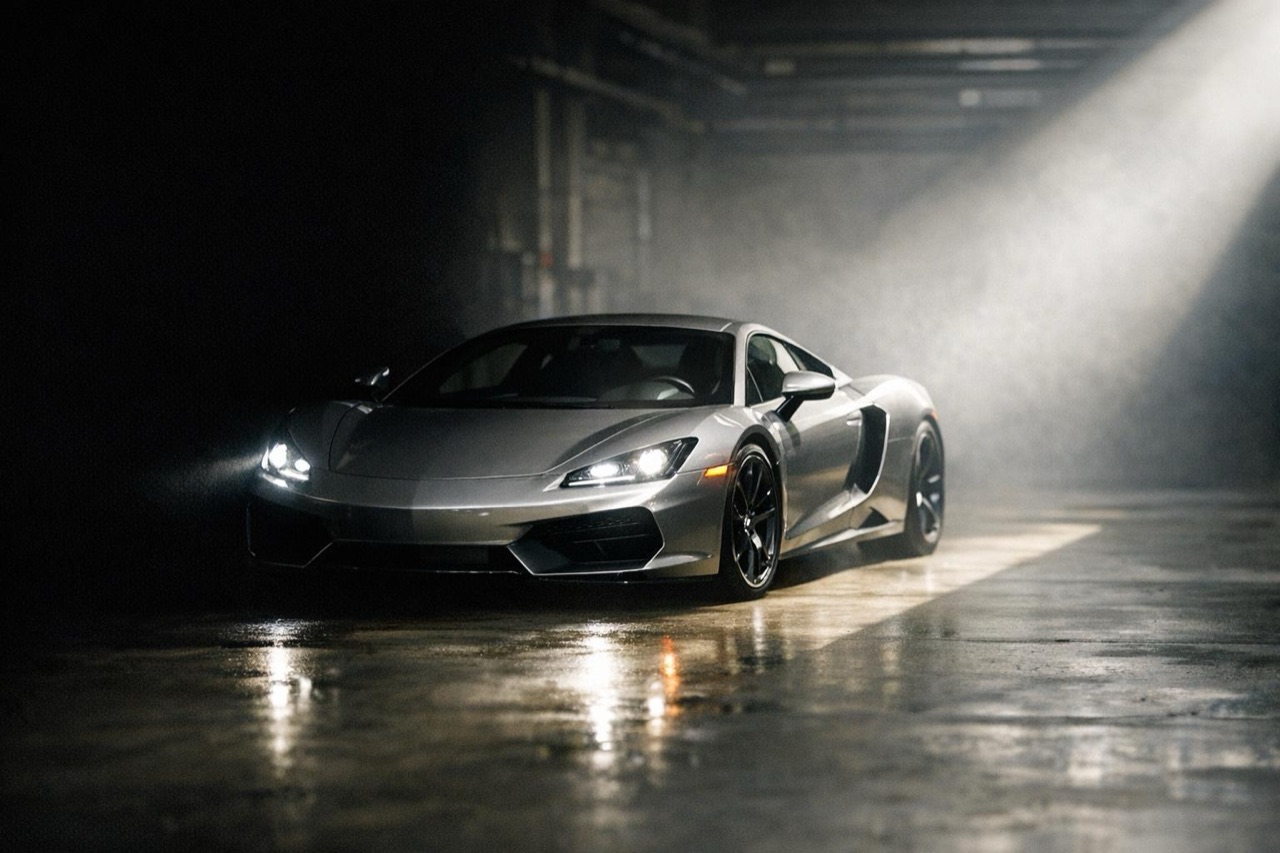
A sports car emerging from shadow with headlights on, cinematic reveal frame

Silk Reveal

A dark studio, a cover pulls back, the car holds.

Prompt (English)

Use the car in the uploaded photo as the single hero. A dark studio with a polished floor. At the start, a light silk cover drapes over the car; the cover slides back over the roofline and reveals the full body. The camera performs a slow push-in and settles on a front three-quarter hero frame. Keep the body shape, paint colour, wheels and badges exactly as photographed. No people, no text, no watermark. Vertical 9:16.

Use in studio

Headlight Snap

Darkness, the lights snap on, the car emerges.

Prompt (English)

Use the car in the uploaded photo as the single hero. A dark garage with a concrete floor. The scene starts in near darkness; the headlights snap on and carve out the front of the car, then the camera pulls back to reveal the full body. Keep the body shape, paint colour and wheels exactly as photographed. No people, no text, no watermark. Vertical 9:16.

Use in studio

Shadow Walk

A wall of shadow, the car emerges into light.

Prompt (English)

Use the car in the uploaded photo as the single hero. A dark industrial space with a hard shaft of light across the floor. The camera moves slowly along a wall of shadow until the car emerges into the light, then settles on a front three-quarter hero frame. Keep the body shape, paint colour and wheels exactly as photographed. No people, no text, no watermark. Vertical 9:16.

Use in studio

Three reveal devices that work

The cover pull is the classic: a silk sheet slides back over the roofline and the light hits the paint. The headlight snap is faster and more modern: darkness, then the daytime running lights carve out the front. The shadow walk is the most cinematic: the camera moves along a wall of shadow until the car emerges into a pool of light.

Each device needs a different first frame. A cover reveal needs the covered shape. A headlight reveal needs a dark front end. A shadow walk needs a strong light edge. Match the source photo to the device.

Why the last frame is the real deliverable

Most viewers will see the clip once, then see the thumbnail again in a feed or a listing. The last frame is what gets reused. Make it a clean hero angle with the car fully visible and the background simple.

If the clip ends on a moving blur or a partial car, the reveal feels unfinished. Ask for the camera to settle and hold for the final beat.

Reveal clips for a listing

A private seller can use a reveal clip as the first item in a listing gallery, then follow with static detail shots. A dealer can use the same structure for a featured vehicle without shooting a full video.

Keep the claim honest. The reveal is a presentation device, not proof of condition. Show the flaws in the still photos and let the clip do the emotional work.

Questions people ask

Can I make a reveal video from one photo?

Yes. The photo supplies the car and the prompt supplies the reveal device and the scene. A clean three-quarter photo gives the model the best chance of keeping the car consistent.

How long should a reveal clip be?

Five to eight seconds is enough for one reveal. Twelve seconds works if the camera has time to settle on the hero frame at the end.

Can I use it for a car I am selling?

Yes. Use the clip as the first item in a listing gallery and keep the still photos for details and condition. Disclose that the clip is AI-generated if it implies an event that did not happen.

What if the source photo is dark?

A dark photo limits what the model can preserve. Brighten it or use a daylight photo for the source, then let the prompt create the dark reveal scene.

Can I add my logo at the end?

Yes. The render is text-free. Add your logo and end card in your editor so the type stays sharp and accessible.

How much does a reveal clip cost?

A standard 720p, 12 second render costs 35 credits. Five-second clips cost less, and one-time packs start at $9.90.

Turn your photo into a clip

Start with the preset on this page, or write your own shot. Credits are shown before you generate, and failed renders are refunded.