Animate a still · Add motion

AI Car Animation

Most car photos are static because that is what a camera does. Animation adds the missing dimension: the wheel turns, the light moves, the background drifts. The car stays the same; the frame comes alive.

This is the simplest way to describe the studio. Upload a still, choose a motion, and get a short clip that keeps the car recognisable while adding camera movement and environment.

Clips on this page are AI-generated previews. They are fictional and not a record of a real event.

Updated 20 October 2026

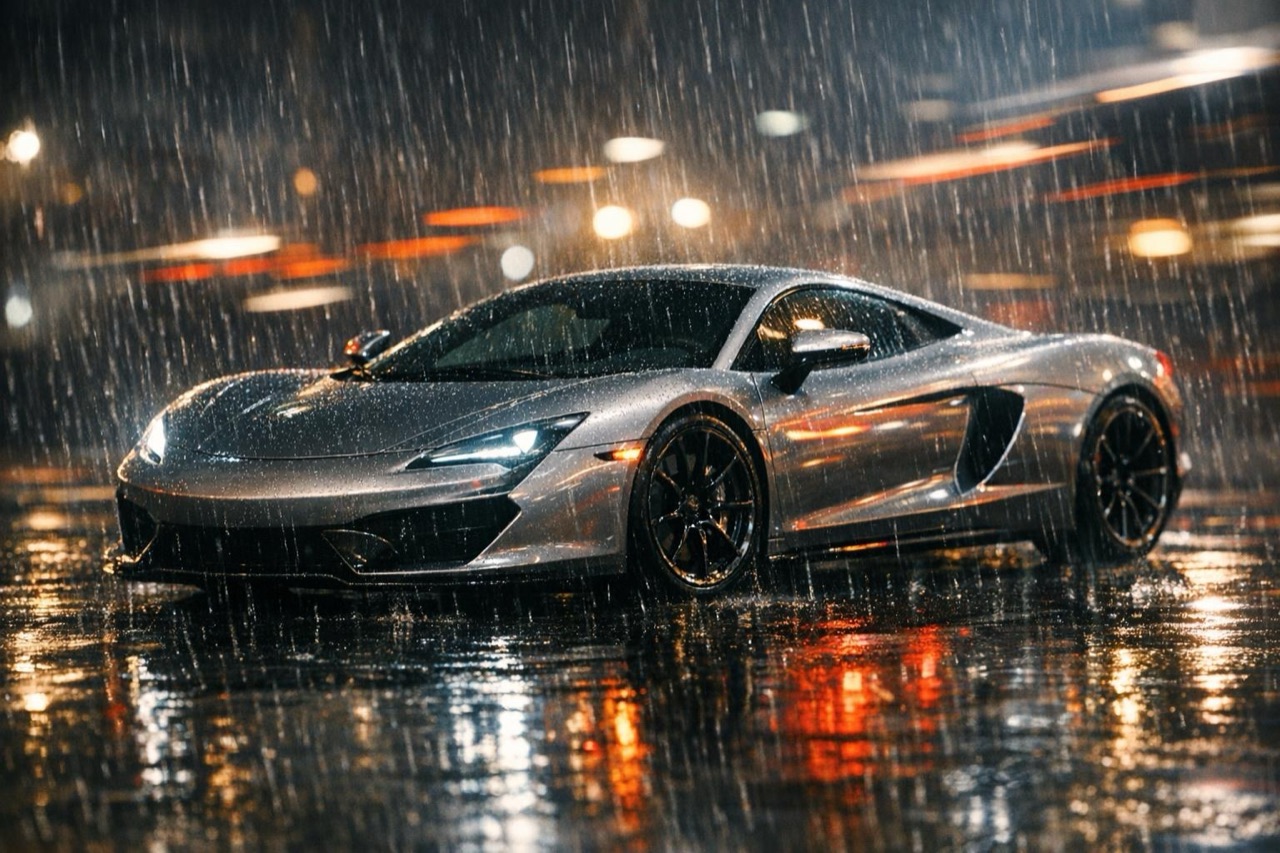
A car photo animated into motion with light streaks, AI car animation frame
Length
5–12 seconds
Resolution
480p · 720p · 1080p
Aspect ratio
9:16 · 16:9 · 1:1
Watermark
None on paid renders
Model
Seedance 2.0
Moderation
SeeAPI, fail-closed

Still in, motion out

The source can be a phone photo, a render or a scan. The model adds motion without replacing the car.

Small moves, big difference

A slow push-in or a wheel turn is often enough. Subtle motion reads as premium; constant movement reads as noise.

A clean MP4

Download the clip and use it in a post, a listing or an edit. Paid renders carry no watermark.

How it works

  1. 1

    Start with a photo that has depth

    A three-quarter view with some background separation animates better than a flat side-on shot. The model needs to understand what is car and what is scene.

  2. 2

    Choose one motion

    Push-in, pull-away, orbit or wheel-level track. One move keeps the clip coherent and makes the car easier to preserve.

  3. 3

    Add a light change

    A headlight snap, a passing shadow or a slow sunset shift gives the clip a sense of time without adding a second scene.

  4. 4

    Render short and review

    Start with five seconds. If the motion works, render a longer version. If it does not, change the move before spending more credits.

Start from a tested prompt

Each prompt is complete: subject, scene, camera and what must not change. Copy it or open the studio with it pre-filled.

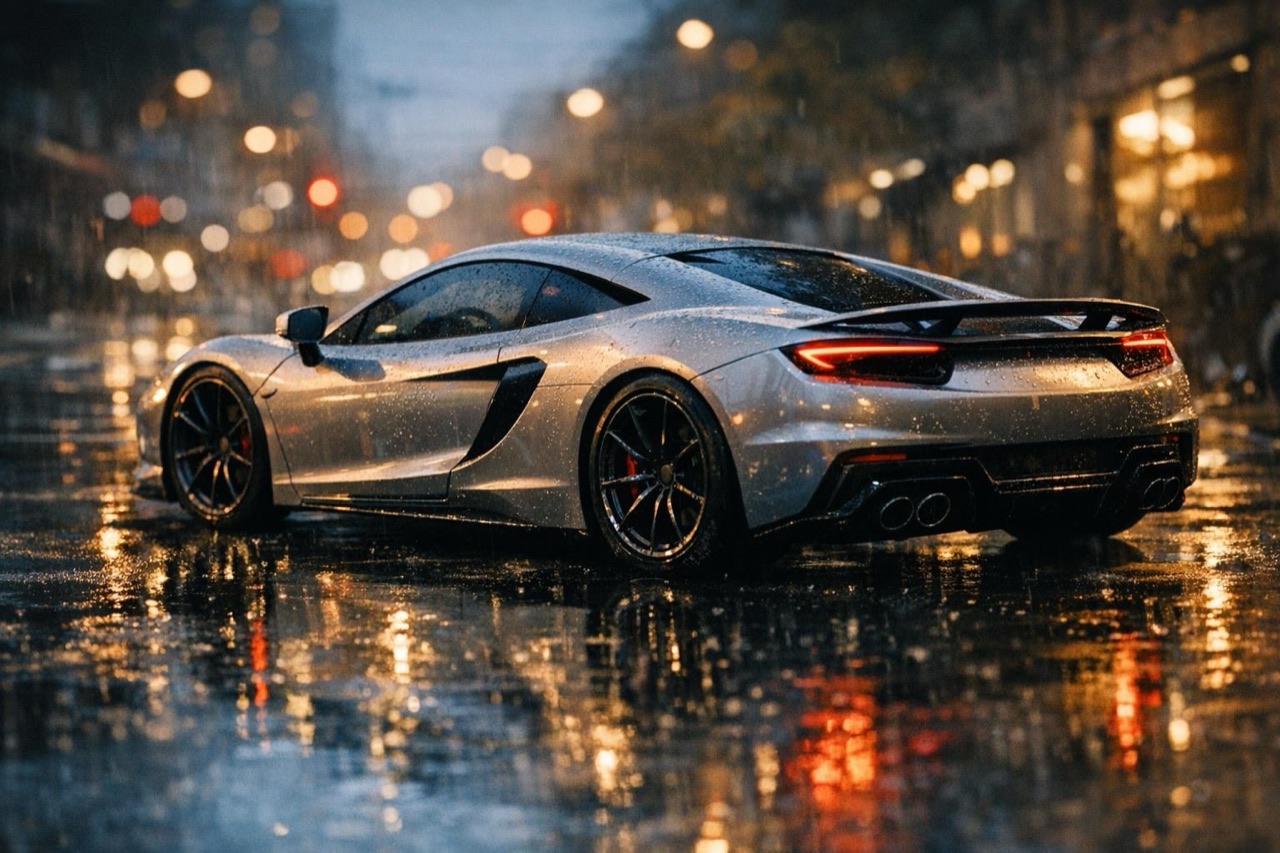
A still sports car brought to life on a rainy street, AI animation result

Slow Push

A gentle push-in with a passing cloud shadow.

Prompt (English)

Use the car in the uploaded photo as the single hero. Keep the scene close to the original photograph, with a soft daylight sky and a clean background. The camera performs a very slow push-in from the front three-quarter angle while a soft cloud shadow passes over the car. Keep the body shape, paint colour, wheels and badges exactly as photographed. No people, no text, no watermark. Vertical 9:16.

Use in studio

Headlight Wake

The lights come on, the camera pulls back.

Prompt (English)

Use the car in the uploaded photo as the single hero. A dim garage or dusk street. The headlights switch on and cast a warm pool of light on the ground, then the camera pulls back slowly to reveal the full car. Keep the body shape, paint colour and wheels exactly as photographed. No people, no text, no watermark. Vertical 9:16.

Use in studio

Rain Drift

Rain on the paint, reflections moving, a slow orbit.

Prompt (English)

Use the car in the uploaded photo as the single hero. A wet street with light rain, reflections moving across the paint and the asphalt. The camera orbits slowly around the front three-quarter view. Keep the body shape, paint colour and wheels exactly as photographed. No people, no text, no watermark. Vertical 9:16.

Use in studio

What animation adds to a still

Motion gives the eye a path. In a still, the viewer looks at the car and moves on. In a clip, the camera can lead the eye from the front wheel to the shoulder line to the roofline, which makes the design easier to read.

It also adds atmosphere. A drifting reflection, a passing cloud shadow or a slow light change makes the scene feel like a moment rather than a cut-out. The car does not have to move for the clip to feel alive.

The risks of over-animating

The most common mistake is asking for too much: a drive, a drift, a camera orbit and a light change in five seconds. The model has to invent more, and the car drifts further from the source.

The second mistake is fast motion on a low-resolution source. Speed magnifies artifacts. If the photo is soft, keep the camera slow and the clip short.

Where animated car photos work

Use them on social feeds, listing pages, portfolio sites and presentation decks. They are especially effective for a car that cannot be filmed: a barn find, a project car, a concept or a car in storage.

Label the clip as AI-generated when the motion implies a real event. An animated photo is a presentation, not a record.

Questions people ask

What is AI car animation?

It takes a still photo of a car and adds camera movement, light changes and environmental motion. The car stays the same; the frame becomes a short video clip.

Do I need a special photo?

A sharp three-quarter view with the whole car visible works best. A phone photo is fine if the paint has highlights and the car is not blurred.

How long can the animation be?

Five to twelve seconds. Short clips preserve the car more reliably; longer clips give the camera more time to move, but also more time to drift.

Can the car drive in the animation?

Yes, if you ask for it, but the car is more likely to change shape when it moves a long distance. For a first render, use a camera move rather than a full drive.

Can I animate a drawing or a 3D render?

Yes. A clean render or a high-resolution drawing can work as a source. The model will treat it as the reference and add photographic motion around it.

How much does an animation cost?

A standard 720p, 12 second clip costs 35 credits. A five-second test costs less, which makes it cheap to try a motion before committing to a longer render.

Turn your photo into a clip

Start with the preset on this page, or write your own shot. Credits are shown before you generate, and failed renders are refunded.