Photo to video · Text to video

AI Car Video Generator

An AI car video generator should do one job well: take the car you already have and put it in a shot you could not film yourself. Upload a photo or describe the scene, choose a camera move, and the studio renders a short clip that keeps the body shape, paint colour and wheels of the original car.

This studio is built for car people rather than generic stock footage. Every render is 5 to 12 seconds, vertical or landscape, and delivered as an MP4 you can post, send to a client or drop into an ad.

Clips on this page are AI-generated previews. They are fictional and not a record of a real event.

Updated 20 October 2026

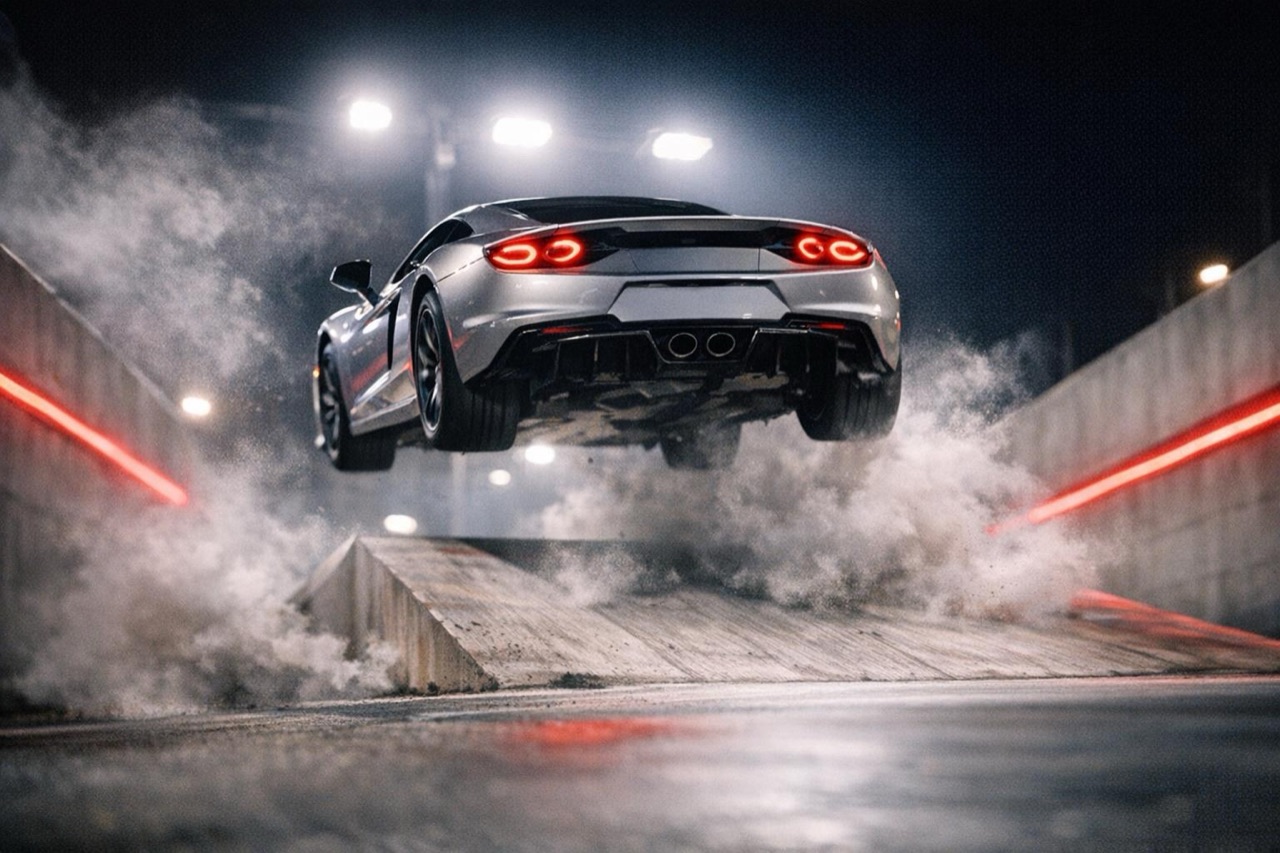
A silver sports car launching off a floodlit ramp at night, cinematic AI car video still
Length
5–12 seconds
Resolution
480p · 720p · 1080p
Aspect ratio
9:16 · 16:9 · 1:1
Watermark
None on paid renders
Model
Seedance 2.0
Moderation
SeeAPI, fail-closed

Your car stays your car

The prompt tells the model to preserve the body shape, paint, wheel count and badges from your photo, so the result still reads as the same vehicle.

Four proven starting points

Launch Line, Ramp Flip, Night Escape and Traffic Boost are tested prompts. Start from one, then change the scene instead of writing from a blank page.

Built for vertical feeds

9:16 is the default because TikTok, Reels and Shorts are where car clips travel. Switch to 16:9 or 1:1 without changing the source photo.

How it works

  1. 1

    Add one clear photo

    A three-quarter front or rear view in daylight works best. The car should fill most of the frame, with the whole body visible and no heavy shadow across the paint.

  2. 2

    Choose a scene

    Pick one of the four presets or write your own. The preset text is a complete prompt, not a style tag, so it already covers lighting, camera movement and what must not change.

  3. 3

    Set the output

    Choose 480p, 720p or 1080p, a length from 5 to 12 seconds, and 9:16, 16:9 or 1:1. The price in credits is shown before you generate.

  4. 4

    Render, review, download

    The task runs in the background. When it finishes you get an MP4 with no watermark on paid renders, and the clip stays in your history for re-download.

Start from a tested prompt

Each prompt is complete: subject, scene, camera and what must not change. Copy it or open the studio with it pre-filled.

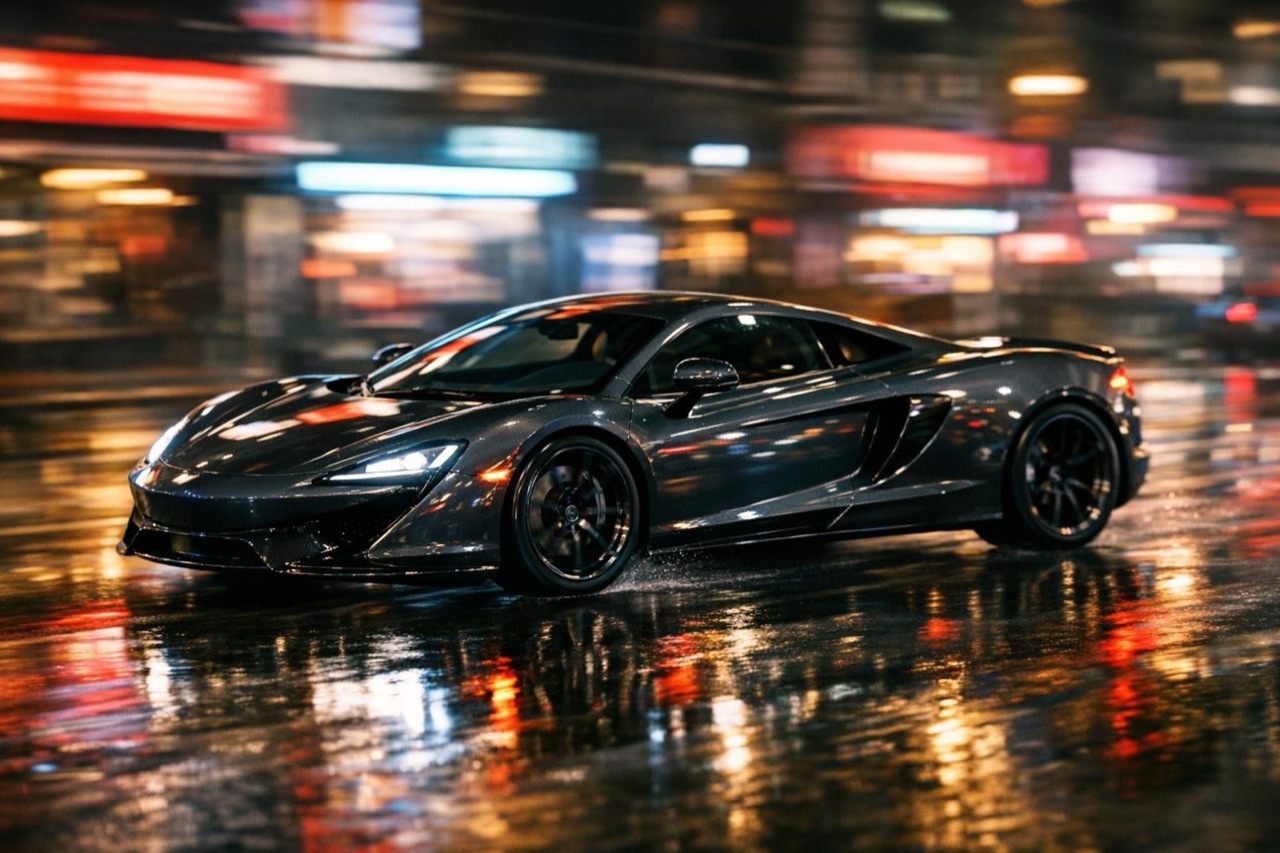
A dark sports car rolling through a neon-lit city street, cinematic automotive render

Launch Line

A floodlit test ramp, one chase shot, a clean landing.

Prompt (English)

Use the vehicle in the uploaded photo as the single hero. A floodlit test ramp at night, steep concrete walls with red light strips. The vehicle climbs the ramp, launches off the lip and lands in a cloud of white smoke. One continuous chase shot that rises with the vehicle and settles behind it on landing. Keep the body shape, paint colour, wheel count and badges exactly as photographed. No crash, no people, no text, no watermark. Vertical 9:16.

Use in studio

Ramp Flip

An indoor stunt ramp, a single rotation, dust on landing.

Prompt (English)

Use the vehicle in the uploaded photo as the single hero. A dark indoor stunt ramp with a curved wall. The vehicle hits the ramp at speed, lifts off the lip, rotates once in the air and lands in dust. One side-tracking camera at ramp height, pacing the jump and settling on the landing. Keep the body shape, paint colour and wheels exactly as photographed. No crash, no people, no text, no watermark. Vertical 9:16.

Use in studio

Night Escape

A dark arena, a wall ride, a low continuous camera.

Prompt (English)

Use the vehicle in the uploaded photo as the single hero. A heritage stunt ramp inside a dark arena, concrete walls and thin red light strips. The vehicle rolls up the curved wall, hangs for a beat and drops back onto the runway in a burst of dust. One continuous low camera that follows the climb and the landing. Keep the body shape, paint colour and wheels exactly as photographed. No crash, no people, no text, no watermark. Vertical 9:16.

Use in studio

What people actually use it for

The most common job is a scroll-stopping clip for a car that is already sold, already built or not physically available. A dealer can turn a lot photo into a launch-style clip. A detailer can show a finished paint correction in motion. An event organiser can preview a show car before the doors open.

The second job is ideation. Instead of hiring a crew to test a shot, you render three versions in a few minutes and keep the one that reads best on a phone. The clip is clearly labelled as AI-generated and fictional; it is not evidence that a real stunt happened.

What happens after you press Generate

The studio checks your credit balance, screens the prompt and the uploaded photo with SeeAPI, then sends the approved job to Seedance 2.0 through kie.ai. The finished file is copied into Cloudflare R2 so the link does not expire with the model provider.

Credits are charged when the task is created and returned automatically if the render fails. The client never talks to the model provider directly, so your photo URL and task id are not exposed to the browser.

The photo checklist that saves credits

Use a photo where the car is the subject, not a small part of a street scene. Avoid screenshots, heavy filters, motion blur and watermarks. If the car is white or black, make sure the paint still has visible highlights, otherwise the model has no shape information to preserve.

One car per photo is the reliable case. Two cars, people leaning on the car, or a roof rack full of equipment can confuse the edit. If you need a specific wheel or badge to survive, say so in the prompt and keep the camera move simple.

Questions people ask

Do I need a photo to generate a car video?

No. You can write a text prompt and render a car from scratch. A photo gives you a specific vehicle with its own paint, wheels and proportions, which is usually what people want for a real listing or a client.

How long does a render take?

Most 5 to 12 second clips finish in a few minutes. The page updates while the task runs, and you can leave it and come back; the result is saved to your history.

What does one video cost?

A standard 720p, 12 second video costs 35 credits. One-time packs start at $9.90 for 35 credits, and subscriptions start at $9.90 per month. The exact cost is shown before you confirm a render.

Can I use the video commercially?

Yes, paid renders can be used in commercial posts and ads. You are responsible for the rights to the photo you upload and for labelling AI-generated footage where a platform or local law requires it.

Will the car keep its exact body shape?

The prompt asks the model to preserve the body shape, paint, wheels and badges, and the result is usually close. Extreme angles, partial cars and heavy reflections are the cases where details drift, so start with a clean three-quarter view.

What happens if a render fails?

The task is marked failed and the credits are returned automatically. You can retry with the same prompt or simplify the camera move before spending again.

Turn your photo into a clip

Start with the preset on this page, or write your own shot. Credits are shown before you generate, and failed renders are refunded.