Image to video for cars

Photo to Car Video

A still photo can only show one angle. Photo to car video adds time: the camera moves, the light changes, the car leaves the line. You upload one picture, choose a scene, and the studio animates that specific vehicle instead of substituting a generic model.

This is the workflow to use when the car is real and the shot is not. It works for a private build, a dealer listing, a portfolio piece or a client preview.

Clips on this page are AI-generated previews. They are fictional and not a record of a real event.

Updated 20 October 2026

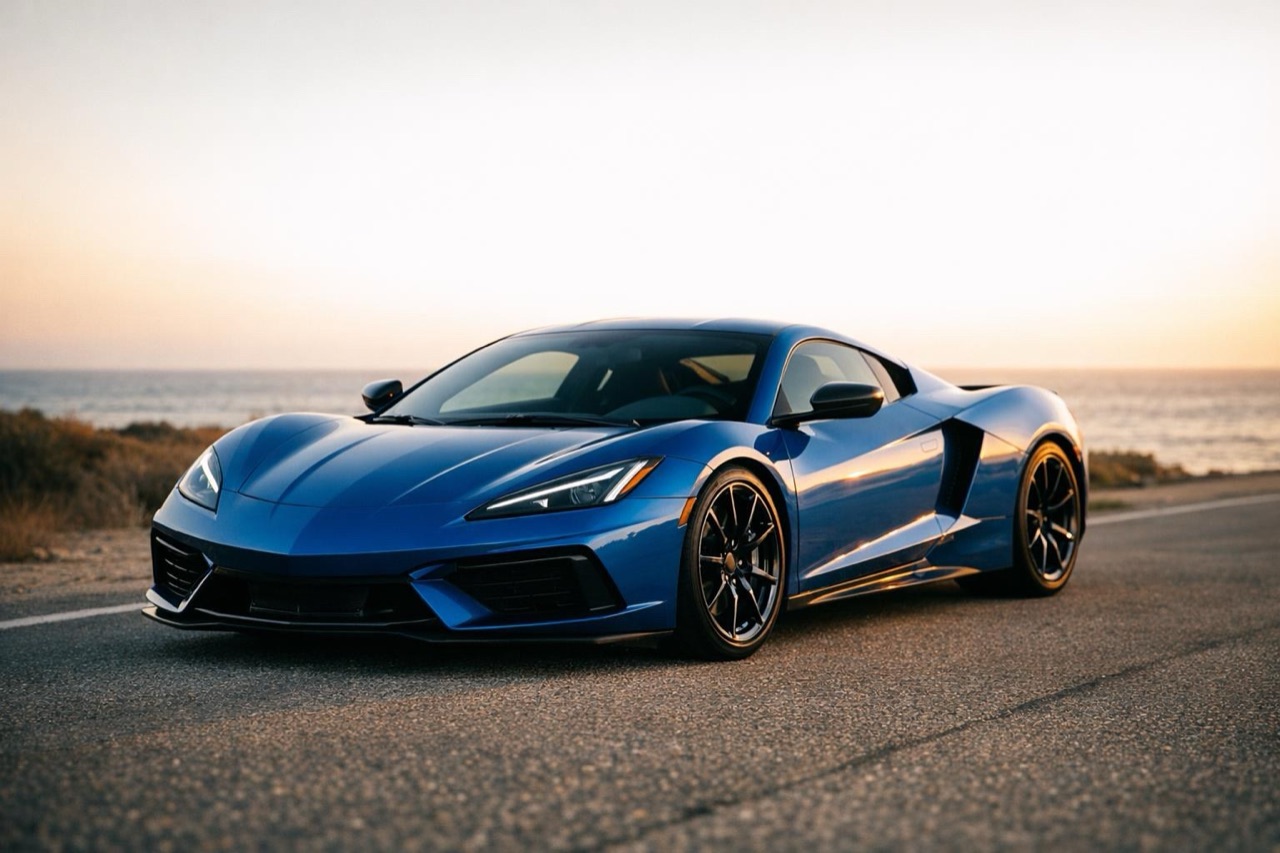
A blue sports car photographed at golden hour, source image for a photo to car video
Length
5–12 seconds
Resolution
480p · 720p · 1080p
Aspect ratio
9:16 · 16:9 · 1:1
Watermark
None on paid renders
Model
Seedance 2.0
Moderation
SeeAPI, fail-closed

One photo is enough

No video rig, no second angle and no green screen. The model uses the uploaded image as the visual reference for the whole shot.

Identity before spectacle

The prompt locks the paint, body shape and wheels first, then adds the scene. That order is what keeps the result recognisable.

A clip, not a slideshow

You get real camera movement and environmental motion, not a zoom applied to a still. The output is an MP4 at 5 to 12 seconds.

How it works

  1. 1

    Pick the cleanest photo you have

    Three-quarter front, daylight, whole car in frame. A phone photo is fine if the paint is sharp and the background is not busier than the car.

  2. 2

    Describe what must not change

    Name the paint colour, wheel style and any badge or body kit that matters. The studio presets already include this instruction; keep it if you edit the prompt.

  3. 3

    Choose the motion

    A slow push-in is safer than a fast chase. For a first render, use a preset with one camera move and one environment change.

  4. 4

    Generate and compare

    Render the same photo with two scenes, then keep the one where the car reads clearly at phone size. Reuse the winning prompt on the next vehicle.

Start from a tested prompt

Each prompt is complete: subject, scene, camera and what must not change. Copy it or open the studio with it pre-filled.

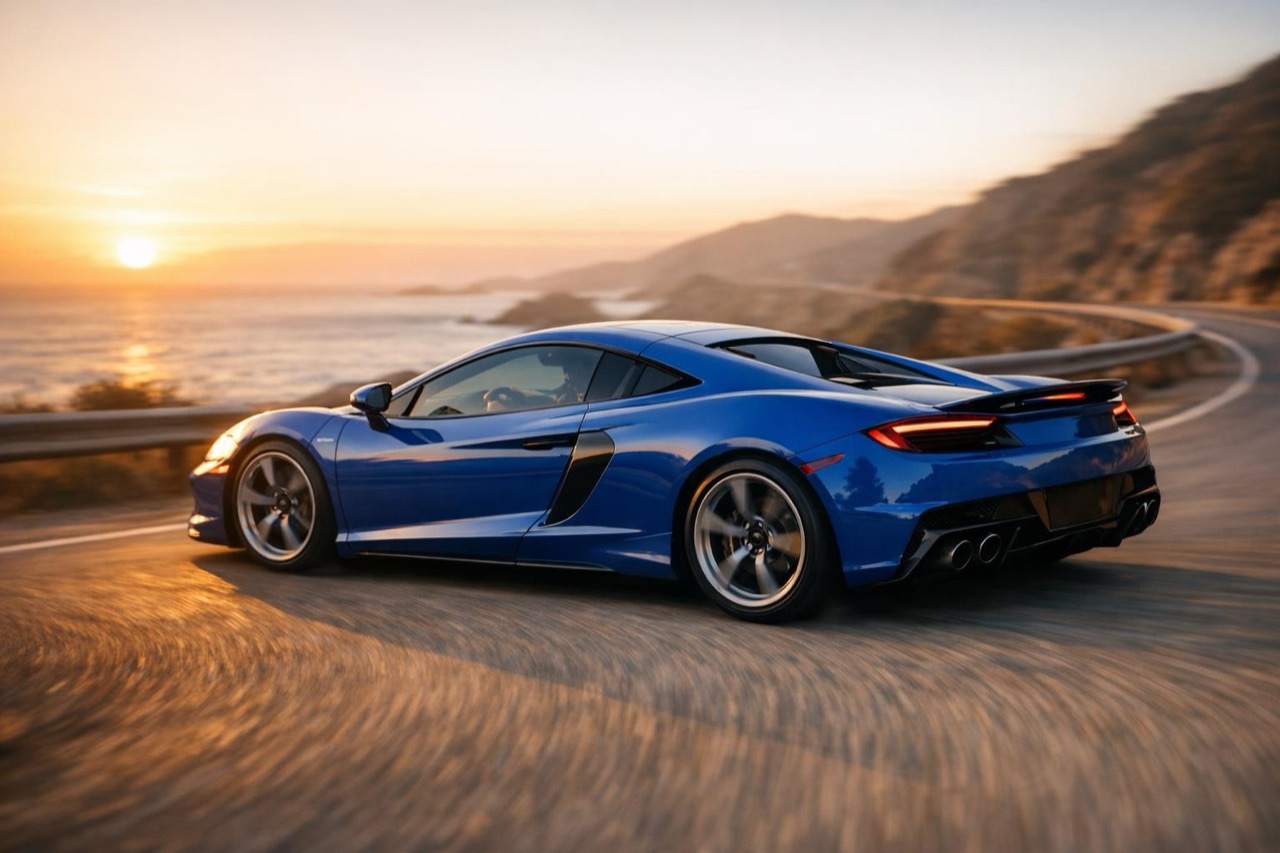
The same style of sports car in motion on a coastal road, AI image to video result

Golden Hour Push

A slow push-in on a coastal road at sunset.

Prompt (English)

Use the car in the uploaded photo as the single hero. A coastal road at golden hour, low sun behind the car, warm rim light on the paint. The camera performs a slow, smooth push-in from the front three-quarter angle while the car holds a steady speed. Keep the body shape, paint colour, wheels and badges exactly as photographed. No other vehicles, no people, no text, no watermark. Vertical 9:16.

Use in studio

City Night Drive

Neon reflections and a low tracking shot.

Prompt (English)

Use the car in the uploaded photo as the single hero. A wet city street at night, neon signs reflecting in the paint and on the road. One low side-tracking camera moves with the car at wheel height. Keep the body shape, paint colour and wheels exactly as photographed. No crash, no people, no text, no watermark. Vertical 9:16.

Use in studio

Studio Turn

A clean studio floor and a slow orbit.

Prompt (English)

Use the car in the uploaded photo as the single hero. A dark photographic studio with a polished floor and a soft overhead light box. The camera orbits slowly around the front three-quarter view, revealing the body lines. Keep the body shape, paint colour and wheels exactly as photographed. No people, no text, no watermark. Vertical 9:16.

Use in studio

Why one photo is usually better than ten

Image to video models work best when there is one clear subject and one clear scene. Ten reference photos from different angles can introduce conflicting lighting and proportions, and the model has to guess which one is authoritative. A single sharp three-quarter view gives it an unambiguous answer.

If you need a second angle, render a second clip from a second photo rather than asking one clip to show everything. Two clean shots cut together look more like a real edit than one busy shot that tries to do both.

Photo problems that cost you a render

The common failures are predictable: the car is half out of frame, a person is standing in front of a wheel, the paint is blown out to pure white, or the image is a screenshot with a UI overlay. Each one removes information the model needs to keep the car consistent.

Reflections are the subtle one. A mirror-finish car photographed against a cluttered street carries that clutter in the paint. The model may preserve the reflection and make the new scene look wrong. A cleaner background or a polarising filter helps more than a longer prompt.

What to do with the finished clip

Vertical 9:16 is the default for TikTok, Reels and Shorts. Landscape 16:9 suits a website hero, a YouTube pre-roll or a dealer page. Square 1:1 is still useful for feed posts and marketplace listings.

The clip is fictional and should be labelled that way when it shows a stunt or a location the car was never in. Use it as a preview, a mood board or an ad concept, not as documentation of a real event.

Questions people ask

What kind of photo works best?

A sharp, well-lit three-quarter front or rear view where the whole car is visible. Daylight is easiest. Avoid screenshots, heavy filters and photos where a person or another car blocks the body.

Can I use a photo from a phone?

Yes. Resolution matters less than clarity. If the paint has visible highlights and the edges of the car are sharp, a modern phone photo is enough for a 720p or 1080p clip.

Will the background of my photo appear in the video?

No. The prompt describes a new scene. The model uses your car as the reference and rebuilds the environment around it, which is why a clean photo matters more than a spectacular one.

Can I keep the original wheels and badges?

Usually yes, if they are clearly visible in the source photo and you name them in the prompt. Very small badges and dark wheels are the details most likely to drift.

How many photos can I upload?

The studio is designed around one hero photo per render. For a second angle, run a second render from a second photo and edit the clips together.

Is the result a real video of my car?

It is an AI-generated clip that uses your photo as a reference. The car is recognisable, but the scene and the motion are synthetic. Label it as AI-generated when that matters to your audience.

Turn your photo into a clip

Start with the preset on this page, or write your own shot. Credits are shown before you generate, and failed renders are refunded.