Roadster AI video with your own car: photo tips and scene ideas
 Roadster AI Video Team
Any car, truck, van, bicycle or carriage works. How to photograph your vehicle, which scenes preserve its shape, and what to change when the render drifts.
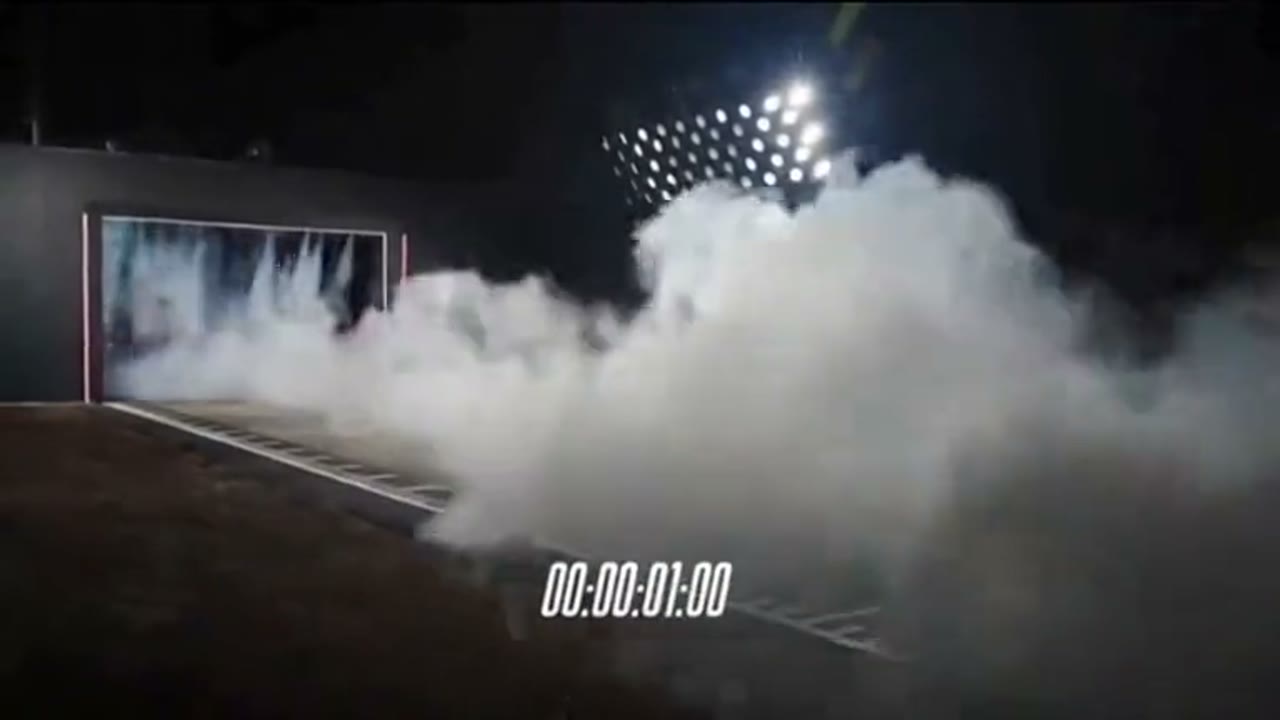
The best Roadster AI video is not a perfect replica of the viral clips. It is your own car doing something it could never do. A tired hatchback launching off a ramp is funnier than a hypercar, because the mismatch is the point. The model does not need a sports car; it needs a clear photo and one readable action.
This guide covers the photo, the scenes that survive a real-world vehicle, and the fixes for the three ways a car render usually goes wrong.
What "your own car" means for the model
The studio sends your photo as a reference image. The prompt tells the model to keep the body shape, paint colour, wheel count and any badge that was already on the car. It does not swap in a Roadster, and it does not invent a different make. When the render works, the result reads as your vehicle in an impossible situation.
When it fails, the failure is usually geometry, not taste. The model has to invent whatever the photo does not show. A front three-quarter photo gives it the nose, one side and part of the roof. A camera move that circles behind the car asks it to invent the rear, the other side and the boot. That is where wheels multiply.
The photo checklist
| Requirement | Why it matters | | ------------------------------ | ------------------------------------------------------ | | Whole car in frame | The model cannot animate a wheel it never saw | | Daylight or even light | A single streetlight hides the panel gaps | | Car fills a third of the frame | More pixels on the car, fewer on the background | | No heavy crop | A cropped bumper becomes a guessed bumper | | Clean lens | Smudges read as texture and get copied into the render | | No motion blur | Blur becomes permanent softness in the clip |
A phone photo at headlight height is enough. If you are shooting specifically for this, take three angles: front three-quarter, side profile, rear three-quarter. Upload the one that shows the most of the car. You do not need all three for a single render; the extra angles are useful if you plan to run several scenes.
Scenes that preserve a real car
Some actions are kinder to geometry than others.
Launch line. The car moves away from the camera. The body barely rotates. This is the safest scene for any vehicle, including vans and trucks.
Vertical lift. The car rises without rotating. A traffic-jam escape keeps the body level, so the shape stays stable. The background does the storytelling.
Side-tracking jump. The camera moves parallel to the car. A single rotation is visible, but the wheels stay on the photographed side.
Slow ramp climb. The car climbs a curved wall and holds upside down for a beat. The hold is what keeps the shape readable; a fast flip is where it breaks.
Avoid a full 360-degree orbit around a car you only photographed from the front. Avoid a crash scene. Avoid a shot that starts behind the car if the photo does not show the rear.
Scene ideas by vehicle type
- Hatchback: a grocery-run hop over a speed bump; a launch from a supermarket car park; a commute escape over traffic.
- Van or camper: a slow vertical lift out of a campsite; a ramp jump with the sliding door open (keep it simple); a moon landing.
- Pickup truck: a desert ramp with dust; a dyno pull with flames; a toy-to-real reveal.
- Classic car: a night drive with reflections; a museum-to-street match cut; a slow orbit in a studio.
- Bicycle or carriage: the same ramp and launch prompts work; describe the wheels and the rider separately.
The prompt does not need to name the make. "The vehicle in the uploaded photo" is enough, and naming a brand can push the model toward a generic version of that brand instead of your actual car.
The three common failures
The car changes colour
The prompt probably contains a colour word that fights the photo. Remove "red", "black", "matte" and let the reference decide. If the photo is under sodium light, the model may read the paint as orange; a daylight photo avoids that.
The wheels multiply
A fast rotation or a camera move that crosses behind the car. Slow the action, keep the camera on the photographed side, and add "wheel count exactly as photographed" to the prompt.
The body melts during the flip
Too many instructions. One action, one camera move, one light. Remove the secondary action — the drift, the explosion, the second car — and run it again.
Permission and privacy
You must own the photo or have permission from the owner. If a person is visible, you need their consent. Do not upload a celebrity, a public figure, or a stranger's car with a readable plate if the clip could identify them. The moderation layer will refuse some of these inputs, but the responsibility is yours.
Make the first one
The studio is below. Upload the clearest photo you have, pick Launch line, set 480p and 12 seconds, and generate. A 480p test costs 20 credits; once the composition works, re-render at 720p for 35 or 1080p for 90. The prompt library has twelve variations if you want a starting point.
This clip: 35 credits · 10 clips a month for $39.90 (Pro), or 102 a year for $319
Frequently asked
Does a bicycle work? Yes. The same presets run on any wheeled subject; describe the rider and the wheels in the prompt.
Will the badge stay? A badge that is clearly visible in the photo usually stays. The model does not add new badges.
Can I use a photo from the internet? Only if you have the right to use it. A manufacturer's press photo is not yours to animate.
What if the car looks different? That is normal. Re-run with a simpler camera move and a daylight photo; results vary between attempts.