Automotive ad concepts

AI Car Commercial Generator

A car commercial usually starts with a board and a location scout. This tool collapses the first step: describe the hero shot, render it, and use the clip to sell the idea before anyone books a crew.

It is not a replacement for a full production. It is a fast way to make a polished concept clip for a client, a pitch or a paid-social test, using the actual vehicle photo as the reference.

Clips on this page are AI-generated previews. They are fictional and not a record of a real event.

Updated 20 October 2026

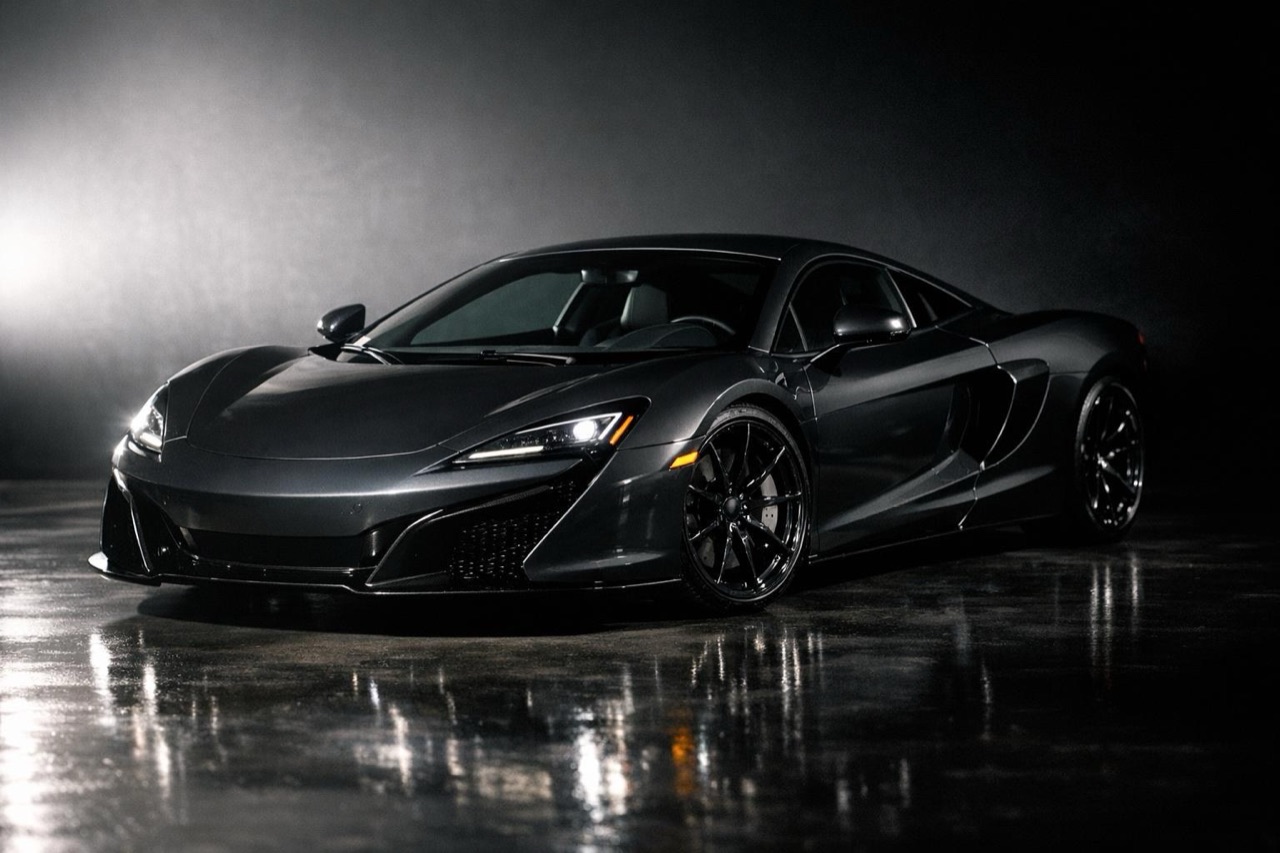
A luxury sports car in a dramatic studio commercial shot with hard light and deep shadow
Length
5–12 seconds
Resolution
480p · 720p · 1080p
Aspect ratio
9:16 · 16:9 · 1:1
Watermark
None on paid renders
Model
Seedance 2.0
Moderation
SeeAPI, fail-closed

Pitch-ready in minutes

Render three directions before the client meeting instead of describing them. A moving reference is easier to approve than a paragraph.

One car, many spots

Keep the same source photo and change the scene, light and camera move. The vehicle stays consistent across the campaign.

Every aspect ratio

16:9 for a presentation or YouTube, 9:16 for Reels and TikTok, 1:1 for feed. The same prompt works across all three.

How it works

  1. 1

    Write the hero beat

    One shot, one idea. A car emerging from darkness, a wheel locking under braking, a car crossing a ridge at dawn. Commercials are built from beats, not from a whole story in one clip.

  2. 2

    Choose the light

    Hard studio light for a product look, soft dawn light for a lifestyle look, sodium and neon for a night look. Name the light source, not just the mood.

  3. 3

    Lock the car

    Add the preservation lines: body shape, paint, wheels and badges exactly as photographed. This is what stops the model from inventing a different car mid-shot.

  4. 4

    Export and present

    Download the MP4 and drop it into a deck, a client message or a paid-social test. Paid renders carry no watermark.

Start from a tested prompt

Each prompt is complete: subject, scene, camera and what must not change. Copy it or open the studio with it pre-filled.

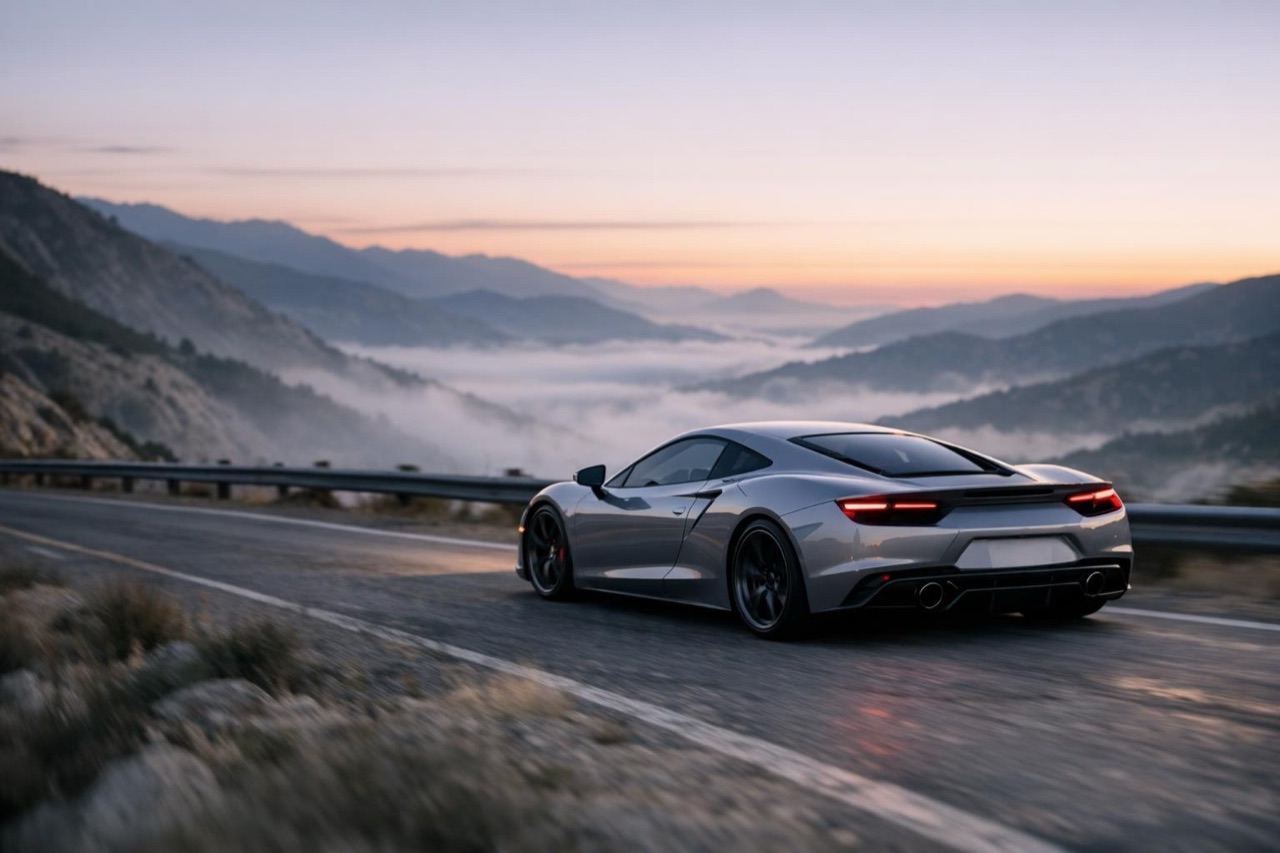
A car commercial frame of a sports car on a mountain road at dawn

Studio Hero

Hard light, deep shadow, a slow push-in.

Prompt (English)

Use the car in the uploaded photo as the single hero. A dark photographic studio with a polished floor, one large hard key light from the front left and a soft fill from the right. The camera performs a slow, smooth push-in on the front three-quarter view. Keep the body shape, paint colour, wheels and badges exactly as photographed. No people, no text, no watermark. Horizontal 16:9.

Use in studio

Dawn Ridge

A mountain road at first light, a wide tracking shot.

Prompt (English)

Use the car in the uploaded photo as the single hero. An empty mountain ridge road at dawn, low mist in the valley, warm light on the paint. One wide side-tracking camera follows the car at a steady distance. Keep the body shape, paint colour and wheels exactly as photographed. No other vehicles, no people, no text, no watermark. Horizontal 16:9.

Use in studio

Night Chase

A wet city at night, neon and a low chase.

Prompt (English)

Use the car in the uploaded photo as the single hero. A wet city avenue at night, neon signage, reflections on the asphalt. One low chase camera follows from behind and to the side as the car pulls away. Keep the body shape, paint colour and wheels exactly as photographed. No crash, no people, no text, no watermark. Horizontal 16:9.

Use in studio

What this tool does well

It is strongest for the beauty shot: a clean hero angle, a controlled camera move and a dramatic environment. It is also good for mood and lighting tests, because you can compare a studio look against a night street look without reshooting.

It is weaker for dialogue, people and complex action. A commercial with a driver, a family or a choreographed sequence still needs a real production. Use the AI clip for the car-only beats and shoot the rest.

A practical three-clip storyboard

Clip one is the hook: a tight front three-quarter shot with a slow push-in and a hard light. Clip two is the context: the same car on a road or in a city, a wider tracking shot. Clip three is the payoff: a static hero angle with the car settled and the light holding.

Render each clip separately with the same source photo and the same preservation lines. Cut them together in any editor. Three five-second clips give you a fifteen-second spot with a beginning, a middle and an end.

Disclosure and client expectations

AI-generated footage should be disclosed when it could be mistaken for a real event or a real product demonstration. A concept clip is a concept clip; it is not evidence that the car performed the stunt.

Before you deliver, confirm that you have the rights to the source photo and that the client is comfortable with an AI-generated preview. For regulated categories such as automotive finance, the claims in the surrounding ad still need the usual legal review.

Questions people ask

Can I use these clips in a real ad campaign?

Paid renders can be used commercially. Check the platform's AI disclosure rules and your client's brand guidelines first, and keep the source photo rights on file.

How long is a typical commercial clip?

The studio renders 5 to 12 seconds per clip. A standard spot is built from several clips cut together, not from one long render.

Can I keep the same car across multiple clips?

Yes. Use the same source photo and repeat the preservation lines in every prompt. Change only the scene, light and camera move between clips.

Does it work for trucks and vans?

Yes, the same workflow applies to any vehicle photo. Large vehicles benefit from a wider shot and a slower camera move so the proportions stay readable.

What about music and voice-over?

The render is silent. Add music, voice-over and titles in your editor. The MP4 is a clean plate with no watermark on paid renders.

How much does a concept clip cost?

A 35-credit render covers a standard 720p, 12 second clip. One-time packs start at $9.90, so three concept directions cost less than a single hour of a production crew.

Turn your photo into a clip

Start with the preset on this page, or write your own shot. Credits are shown before you generate, and failed renders are refunded.