Inventory · Listings · Social

Car Dealership Video

A dealership does not need a film crew for every car. It needs a repeatable way to turn a lot photo into a short clip that looks like the brand. One photo, one preset, one export, repeated across the inventory.

This page is about that repeatable workflow: what to photograph, which preset to use for which vehicle, and how to keep a hundred listings looking like they came from the same place.

Clips on this page are AI-generated previews. They are fictional and not a record of a real event.

Updated 20 October 2026

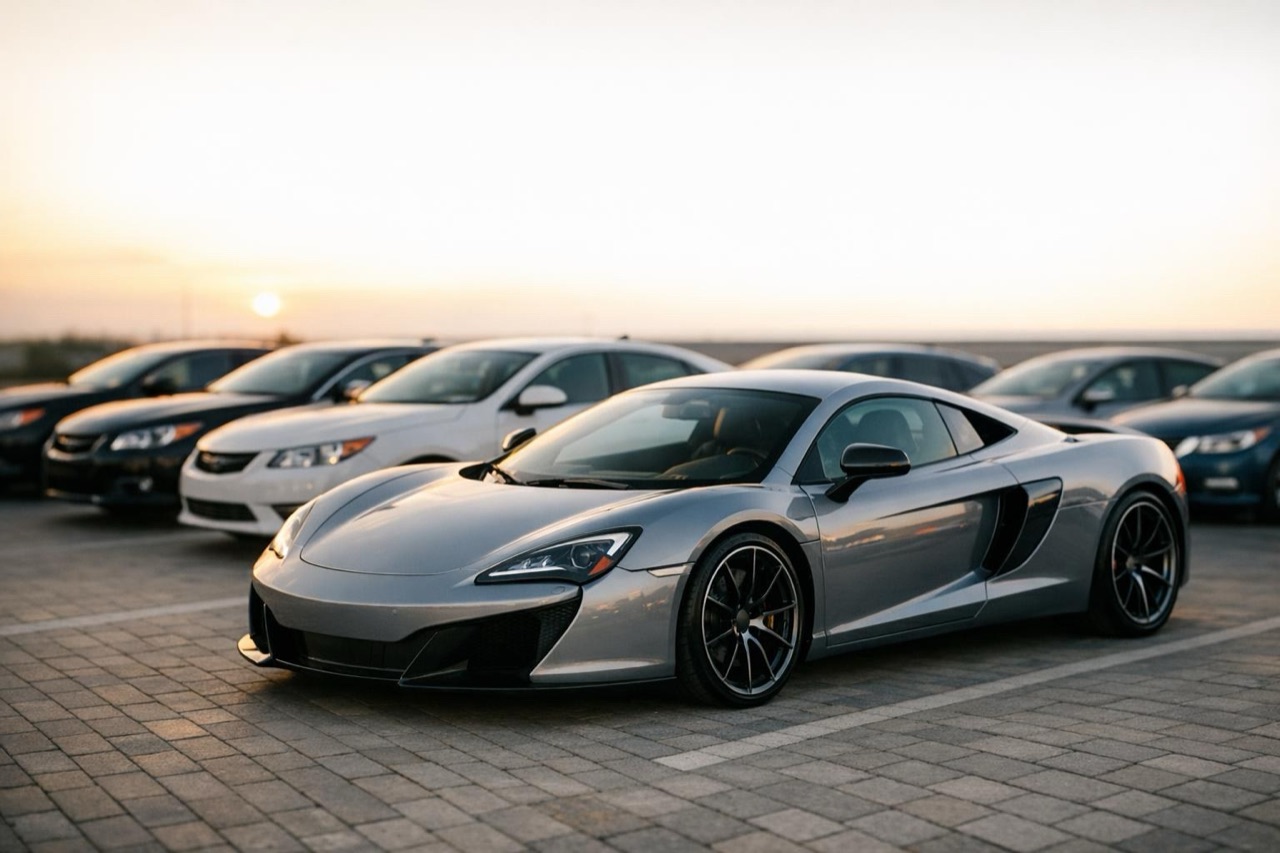
A row of clean used cars on a dealership lot at golden hour, video still
Length
5–12 seconds
Resolution
480p · 720p · 1080p
Aspect ratio
9:16 · 16:9 · 1:1
Watermark
None on paid renders
Model
Seedance 2.0
Moderation
SeeAPI, fail-closed

One workflow for the whole lot

Shoot every car from the same three-quarter angle, then apply the same preset. Consistency is what makes a feed look professional.

No model-specific shoot

The clip is generated from the actual listing photo, so the car in the video is the car in the listing.

Vertical and landscape

Use 9:16 for social and 16:9 for the vehicle detail page. Render both from the same source photo.

How it works

  1. 1

    Standardise the photo

    Same angle, same distance, same light for every car. A three-quarter front view with the whole vehicle in frame is the workhorse.

  2. 2

    Pick two presets

    One for SUVs and trucks, one for sedans and sports cars. Fewer presets make the inventory look more coherent, not less.

  3. 3

    Render the listing ratio

    Vertical for the social post, landscape for the listing page. Keep the source photo at the highest resolution you have.

  4. 4

    Reuse the prompt

    Save the prompt text in your listing template. The only thing that changes between cars is the uploaded photo.

Start from a tested prompt

Each prompt is complete: subject, scene, camera and what must not change. Copy it or open the studio with it pre-filled.

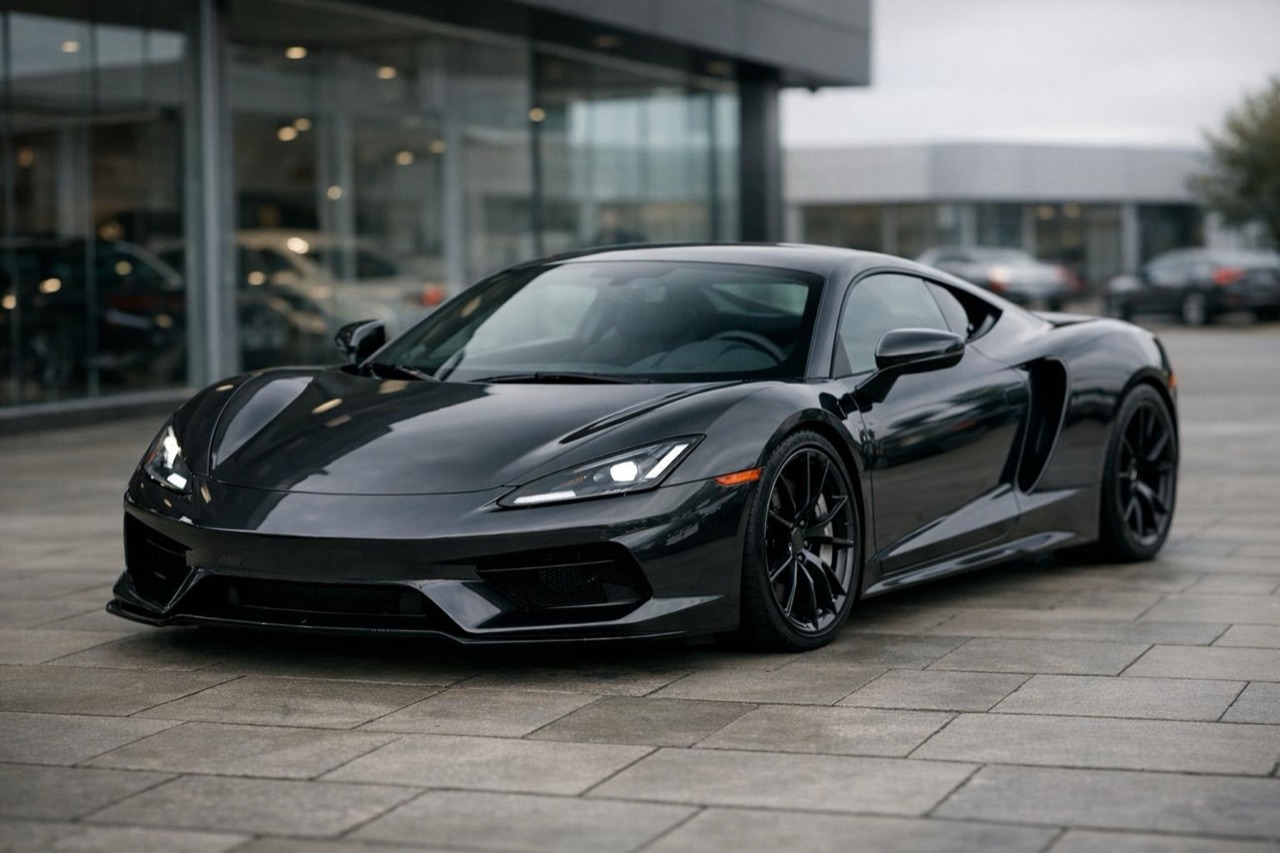
A single SUV on a dealership forecourt with a slow camera move, listing video frame

Forecourt Turn

A clean forecourt, soft light, a slow orbit.

Prompt (English)

Use the vehicle in the uploaded photo as the single hero. A clean dealership forecourt with light grey paving and a plain background, soft overcast light. The camera orbits slowly around the front three-quarter view, keeping the whole vehicle in frame. Keep the body shape, paint colour, wheels and badges exactly as photographed. No people, no other vehicles, no text, no watermark. Landscape 16:9.

Use in studio

Showroom Walk

An indoor showroom, polished floor, a slow push-in.

Prompt (English)

Use the vehicle in the uploaded photo as the single hero. A bright indoor showroom with a polished floor and large windows, soft daylight. The camera performs a slow push-in from the front three-quarter angle. Keep the body shape, paint colour and wheels exactly as photographed. No people, no text, no watermark. Landscape 16:9.

Use in studio

Road Test

A quiet B-road, daylight, a steady tracking shot.

Prompt (English)

Use the vehicle in the uploaded photo as the single hero. A quiet tree-lined B-road in daylight, dry asphalt, soft sun. The camera tracks steadily alongside the vehicle at a constant distance. Keep the body shape, paint colour, wheels and badges exactly as photographed. No other vehicles, no people, no text, no watermark. Landscape 16:9.

Use in studio

Why consistency beats variety

A shopper scrolling a dealership feed is trying to compare cars, not admire a director's range. When every clip uses the same camera move, the same light and the same framing, the differences between the vehicles become easier to see.

That is also better for trust. A consistent visual system signals that the dealership controls its presentation. A random mix of styles signals the opposite.

A photo standard for the lot

Park the car on a clean patch of asphalt, turn the wheels slightly so the front wheel is visible, and shoot from the front three-quarter at about waist height. Avoid direct overhead sun; an overcast day or open shade is easier.

Remove dealer plates, window stickers and foreground clutter where you can. The model will preserve what is in the photo, including the things you did not want.

Where the clips go

Use the vertical clip as the first slide in a social carousel, with the listing link in the caption. Use the landscape clip at the top of the vehicle detail page, above the still gallery.

Keep the clip short. Five to eight seconds is enough to show the car and create a pause; a twelve-second clip is better for a featured vehicle than for every unit in the lot.

Questions people ask

Can I use one preset for every car on the lot?

Yes, and you probably should. A consistent preset makes the inventory look coherent. Use a second preset only for a clearly different category, such as trucks or performance cars.

Do I need a professional photographer?

No, but you need a consistent photo. A phone on a tripod with the same angle and distance for every car is enough for a 720p listing clip.

How long should a listing video be?

Five to eight seconds for most inventory, up to twelve for a featured vehicle. Short clips load faster and are easier to watch on a phone.

Can the clip show the car driving?

Yes. The model can add motion, but the car should stay the same vehicle. Keep the camera move simple and avoid asking for a busy street with other traffic.

What about plates and stickers?

Remove them before shooting if possible. The model preserves what it sees, and a plate or sticker in the source photo can survive into the render.

How does the credit cost work across a lot?

Each render is charged separately. A 35-credit standard clip is one 720p, 12 second video; shorter clips cost less. Buy a one-time pack when you are processing a batch.

Turn your photo into a clip

Start with the preset on this page, or write your own shot. Credits are shown before you generate, and failed renders are refunded.