TikTok · Reels · Shorts

Car Video for TikTok

TikTok does not reward a beautiful wide shot. It rewards a frame that reads at phone size, a motion that starts immediately, and a loop that makes the viewer watch twice. A vertical car clip has to be built for that, not cropped from a landscape video.

The studio renders 9:16 by default. Upload a photo or write a prompt, choose a motion that suits the feed, and export an MP4 you can post without a watermark.

Clips on this page are AI-generated previews. They are fictional and not a record of a real event.

Updated 20 October 2026

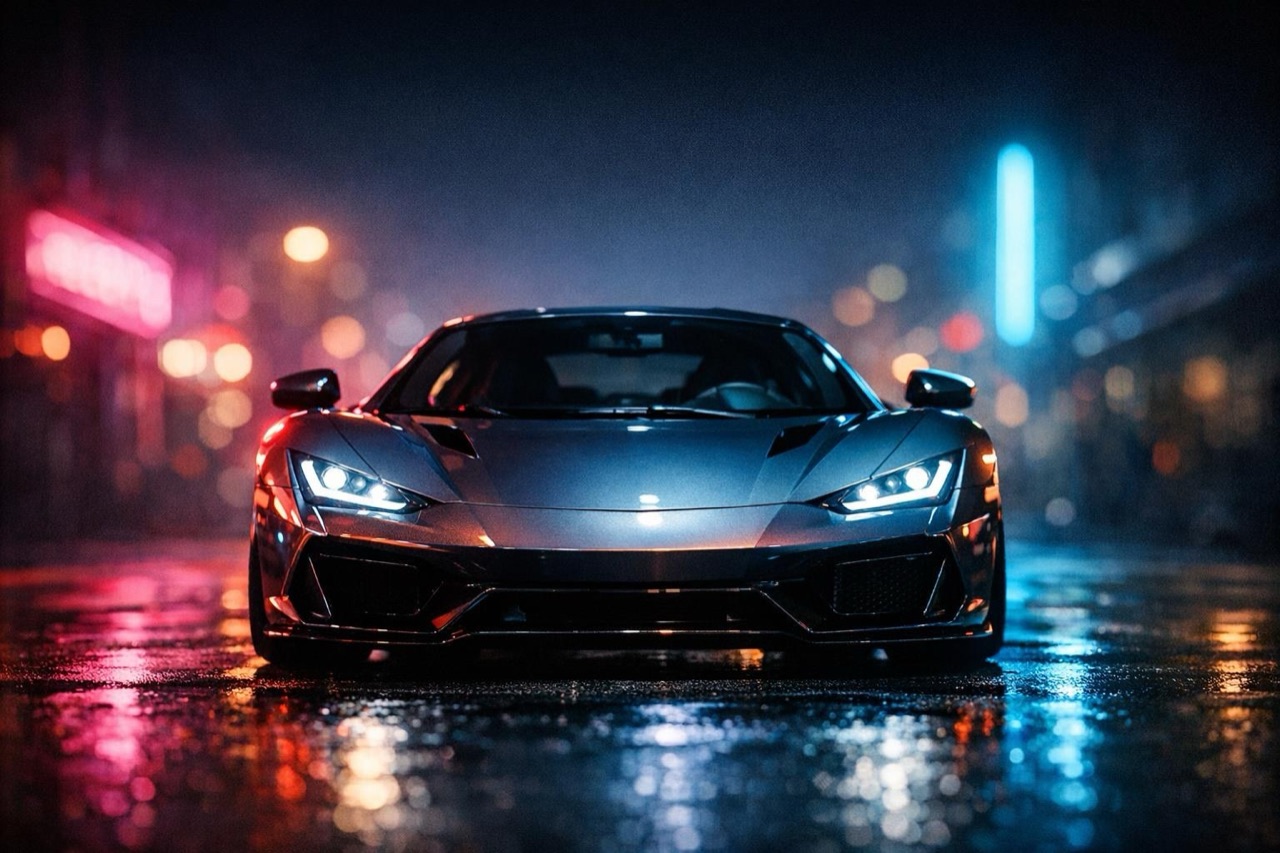
A vertical TikTok-style car clip with a sports car and neon night lighting
Length
5–12 seconds
Resolution
480p · 720p · 1080p
Aspect ratio
9:16 · 16:9 · 1:1
Watermark
None on paid renders
Model
Seedance 2.0
Moderation
SeeAPI, fail-closed

Native 9:16

The clip is composed for the phone, not cropped afterwards. The car fills the frame and the motion reads in the first second.

Loop-friendly motion

A push-in or a pull-away can end close to where it started, which makes the clip feel longer than five seconds.

No watermark on paid renders

The MP4 is clean, so you can add your own captions, cover and branding without covering ours.

How it works

  1. 1

    Shoot or choose a vertical-friendly photo

    A three-quarter view with space above and below the car. Avoid a wide landscape photo where the car is a thin strip in the middle.

  2. 2

    Pick a motion that loops

    A slow push-in, a pull-away or an orbit. These moves can start and end on a similar frame, which helps the loop.

  3. 3

    Keep it short

    Five to eight seconds is usually enough. The feed rewards completion rate, and a short clip is easier to finish.

  4. 4

    Add captions in your editor

    The render has no text. Add a hook line, a location or a price in your editor, and keep it inside the safe area.

Start from a tested prompt

Each prompt is complete: subject, scene, camera and what must not change. Copy it or open the studio with it pre-filled.

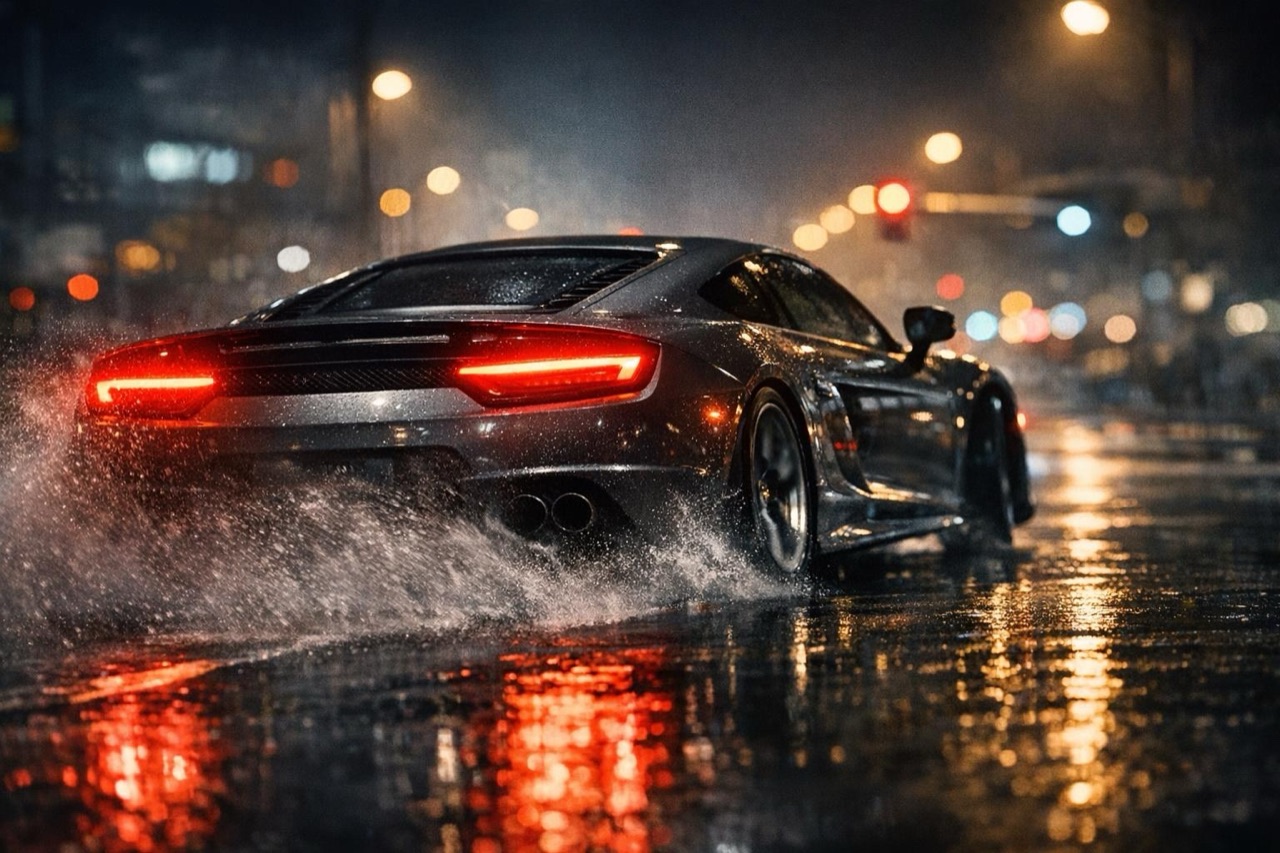
A vertical car video frame of a car drifting on a wet street at night

Vertical Launch

A night ramp, a chase shot, a clean landing.

Prompt (English)

Use the vehicle in the uploaded photo as the single hero. A floodlit ramp at night, concrete walls and red light strips. The vehicle launches off the lip and lands in white smoke. One continuous chase shot that rises with the vehicle. Keep the body shape, paint colour and wheels exactly as photographed. No crash, no people, no text, no watermark. Vertical 9:16.

Use in studio

POV Pull

A low rear view, the car pulls away, tail lights on.

Prompt (English)

Use the car in the uploaded photo as the single hero. A wet city street at night, camera low behind the car. The car pulls away from the camera, tail lights glowing, reflections stretching on the asphalt. Keep the body shape, paint colour and wheels exactly as photographed. No crash, no people, no text, no watermark. Vertical 9:16.

Use in studio

Neon Orbit

A neon-lit car park, a slow orbit around the car.

Prompt (English)

Use the car in the uploaded photo as the single hero. An empty rooftop car park at night with neon signage in the background. The camera orbits slowly around the front three-quarter view, keeping the car centred. Keep the body shape, paint colour and wheels exactly as photographed. No people, no text, no watermark. Vertical 9:16.

Use in studio

Why vertical changes the shot

A vertical frame has less horizontal room and more vertical room. A car photographed from the side will look cramped; a three-quarter view with the front wheel low in the frame uses the space better. The camera move should follow the long axis of the frame.

That is why a push-in or a pull-away feels natural in 9:16 while a fast side track can feel like the car is leaving the frame. Pick the move that fits the shape of the canvas.

The first second decides the watch time

Start with the car already in frame and the light already doing something. A clip that begins with an empty road and reveals the car three seconds later has spent most of its budget before the payoff.

If you need a reveal, make it fast: a headlight snap, a door opening, a cover pulling back. The reveal should happen in the first second, not the last.

Posting and disclosure

Export the MP4, add captions and a cover in your editor, and upload natively to each platform. Do not repost a TikTok export with a watermark to Reels; upload the clean file separately.

Label the clip as AI-generated when it shows a stunt or a scene that did not happen. Platforms increasingly require it, and audiences reward the honesty.

Questions people ask

What ratio should a TikTok car video be?

9:16, the native full-screen ratio. The studio renders 9:16 by default, and the composition is built for the phone rather than cropped from landscape.

How long should the clip be?

Five to eight seconds for most posts. Twelve seconds works for a reveal or a clip with a clear beginning and end. Shorter clips are easier to loop.

Is there a watermark?

No watermark on paid renders. Free previews, if any, are labelled separately. You can add your own captions and branding without covering ours.

Can I post the same clip to Reels and Shorts?

Yes. Export the clean MP4 and upload it natively to each platform. Do not upload a file with another platform's watermark.

Can I add music?

Yes. The render is silent. Add trending or licensed music in the platform's editor or your own editor, and check the commercial-use terms.

Do I need to disclose that it is AI?

If the clip shows a stunt or a scene that did not happen, yes. Use the platform's AI-generated label and mention it in the caption when the context could mislead.

Turn your photo into a clip

Start with the preset on this page, or write your own shot. Credits are shown before you generate, and failed renders are refunded.